On this page
- What a Contactless Menu Really Means in 2026
- Why Guests Still Expect a Contactless Menu
- How Contactless Ordering Works at the Table
- Pay at Table: The Part Most Restaurants Skip
- What Contactless Service Does to Your Floor and Your Staff
- Rolling It Out Without Annoying Your Regulars
- Frequently Asked Questions
- Making Contactless Dining Work in Your Restaurant
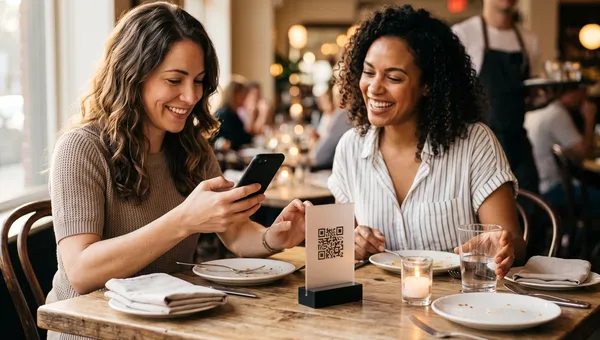
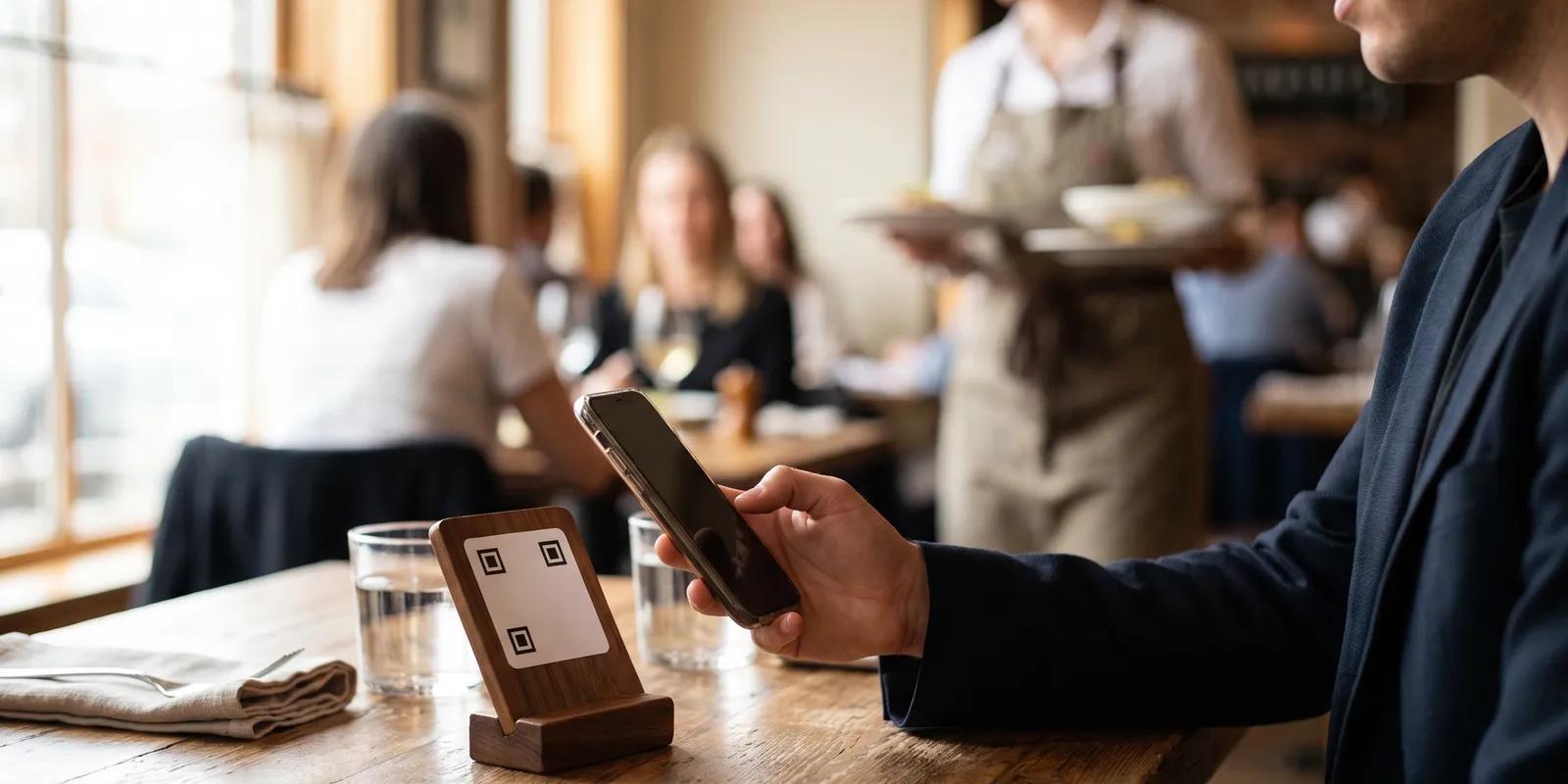
A contactless menu started life as an emergency measure. Six years later it is just infrastructure, the same way a card machine is. Guests point a camera at the code on the table, browse on their own phone, and depending on how far you have taken it, they can place the order and settle the bill without waiting for anyone to walk over.
The question is not whether to offer one anymore. It is how far down the contactless path you go, and what that does to your service. A view-only menu saves you reprinting costs and nothing else. Full contactless ordering changes what your servers do all night. This guide covers the difference, what guests actually expect in 2026, and the operational details that decide whether the whole thing feels smooth or feels cheap.
What a Contactless Menu Really Means in 2026
People use the word contactless to describe three quite different setups, and mixing them up is how restaurants end up disappointed with the results. Worth being precise before you sign anything.
The three levels of contactless service
- View only. The code opens your menu as a web page. Guests read it, then order with a server as usual. Cheapest to run, no change to service, and it removes reprint costs every time a price moves.
- Order at table. Guests build the order themselves and it lands straight on the kitchen screen. Servers stop taking orders and start running food and reading the room. This is where covers per server go up.
- Order and pay. The guest also settles the bill and adds the tip from their phone. Turnover improves because nobody sits waiting fifteen minutes for a card machine to arrive.
Most restaurants that tell you contactless ordering did not work for them stopped at level one and expected level two results. Decide which one you are actually buying.
Why Guests Still Expect a Contactless Menu
The habit stuck. Diners who scanned a code every week for two years now reach for their phone at the table without thinking about it, and a table with no code on it reads as slightly behind. That holds well beyond fast casual: hotel bars, fine dining rooms and neighbourhood cafes in Dubai and São Paulo alike.
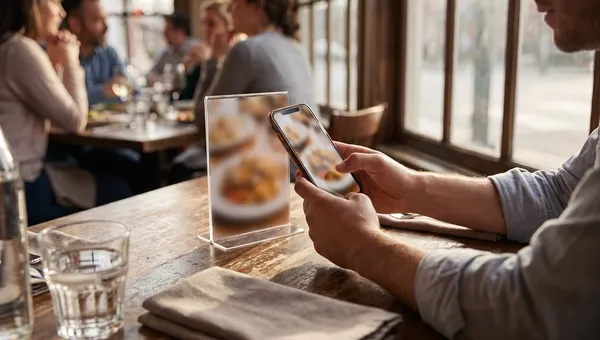
There is a practical reason too. A phone menu carries things paper cannot. Allergen filters, a photo of every dish, a translation into the guest's own language, and an out of stock flag the second the kitchen runs out of sea bass. Keep prices and availability current through proper menu management and you end the conversation where a server has to apologise for something the menu promised.
How Contactless Ordering Works at the Table
The flow is short, which is the whole point. Nothing in it needs an app download.
- The guest points a camera at the code on the table and the menu opens in the normal browser.
- They browse, filter and add items, usually each person from their own phone rather than one device ordering for the whole table.
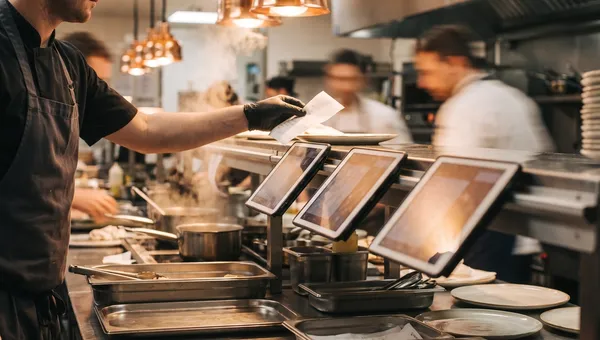
- The order goes straight to the kitchen display and, in a decent system, to the correct prep station.
- Drinks fire to the bar at the same moment, so the round is not waiting on someone walking a ticket across the room.
- Guests add more rounds through the night from the same table session, then pay whenever they are ready to go.
The mechanics of the code itself, sizing, placement, static versus dynamic, are worth getting right, and we covered them properly in the guide to QR code menus. The short version: one code per table, printed large enough to scan from a seated position, and tied to the table number so every order arrives with a location attached.
A scan to order system that knows which table sent the request is the difference between contactless dining that works and a stream of anonymous tickets your staff have to chase around the room.
Pay at Table: The Part Most Restaurants Skip
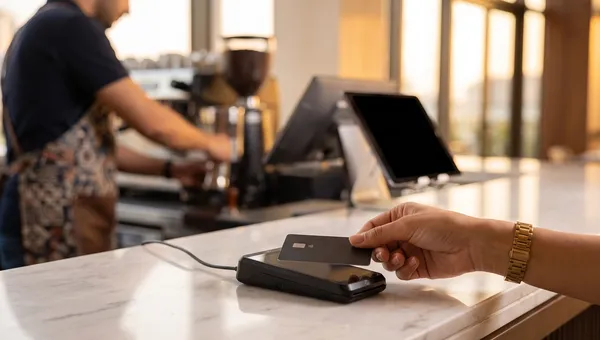
Contactless ordering gets all the attention and contactless payment gets ignored, which is backwards. The slowest ten minutes of any meal is the stretch between a table deciding they are done and a card machine actually reaching them.
When guests can settle from the phone already in their hand, that gap disappears. Bills split themselves down to the item. Tips get entered by the guest, which in most rooms holds or lifts the average rather than lowering it, because the suggested percentages sit right there and nobody is doing mental arithmetic in front of a server.
One thing to watch: a payment that runs through your own system keeps the transaction, the guest data and the margin with you. The same logic applies off premises, which is why direct online ordering usually beats third-party delivery apps on everything except raw reach.
What Contactless Service Does to Your Floor and Your Staff
This is the part nobody plans for. Take order taking away from a server and you have handed them back roughly a third of their shift. What they do with that time decides whether guests feel looked after or feel processed.
The good version: servers greet properly, describe the specials, check back once the food lands, clear faster and give real attention to the two tables that need it. The bad version: nobody comes over at all. Contactless dining fails on service design, not on technology.
There is a floor level effect too. Tables that order and pay from the phone turn faster, often by ten or fifteen minutes each, which quietly adds a covers cycle on a busy Friday. If you are chasing that, pair it with a seating plan built for it: we walked through the layout side in the guide to table turnover, and live restaurant table management tells you which tables are genuinely free instead of which ones look free from the pass.
Where self-ordering kiosks fit
For counter service the same idea shows up as hardware. Self-ordering kiosks do for a queue what a contactless menu does for a table: they absorb the ordering step so staff can move to production. Plenty of fast casual sites run both, kiosks at the door and codes on the tables.
Rolling It Out Without Annoying Your Regulars
Bad contactless launches mostly share the same handful of mistakes, and all of them are avoidable.
- Keep some printed menus. Not everyone wants to hold a phone through dinner, and older guests will judge the whole visit on how you handle that. Offer the code, do not insist on it.
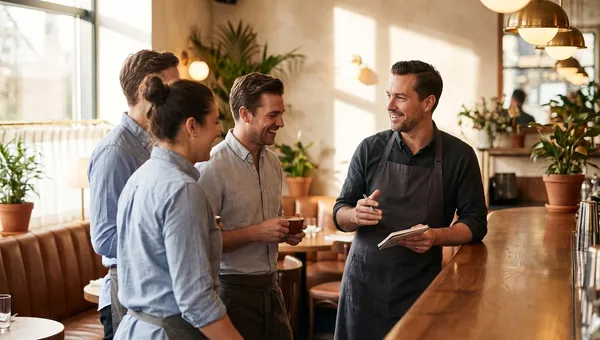
- Brief the floor before day one. A server who says just scan it instead of helping has already cost you that table's opinion of the room.
- Test the connection where guests actually sit. Basement tables and thick walls are where scans die. Fix the wifi before you print the codes, not after.
- Put the code where it can be reached from a seated position, and do not let it end up buried under the condiment caddy.
- Watch the first two weeks. The drop off between scan and completed order is the number that tells you whether the menu is too slow, too long, or too hard to read on a small screen.
Run it for a month, look at what share of tables ordered without a server touching the ticket, and decide from there whether to push further or stay where you are.
Frequently Asked Questions
Do guests need an app to use a contactless menu?
No, and any system that asks them to is costing you orders. A contactless menu opens in the phone's normal browser the moment the camera reads the code. Nothing to download, no account, no password. Ask vendors about this specifically, because a required app install is the single fastest way to kill adoption.
Is contactless ordering still popular in 2026?
Yes, though the reason changed. It started as a health measure and stayed because it is faster. Guests order the moment they are ready instead of waiting to catch someone's eye, and they leave when they want to leave. Most of the restaurants that dropped it after 2022 have brought it back, for speed rather than safety.
How much does a contactless menu QR code cost to set up?
The code itself is free to generate. The real cost is the platform behind it plus the table stands you print, which usually lands at a few dollars per table. Ordering and payment sit on a monthly subscription, and some vendors also take a percentage of every order, so compare the per order economics and not just the headline price.
Does contactless ordering hurt tips?
Usually the opposite, provided the checkout is set up properly. Suggested percentages on screen tend to hold or lift the average compared with a guest working it out on a printed bill. What genuinely hurts tips is a service model where nobody visits the table after the order goes in, which is a staffing decision rather than a payment one.
Making Contactless Dining Work in Your Restaurant
Contactless only pays off when the menu, the kitchen screen, the table plan and the payment all sit on the same system. Bolting a QR menu onto a POS that knows nothing about it just moves the retyping from the guest to your staff, and you end up paying for a second system to do a job the first one should have done.
Quickbuy runs the whole thing as one piece: guests scan, order and pay from the table, orders land on the order board with the table number attached, and your menu updates everywhere the second you change it. No app for guests, no commission on your own orders. Have a look at Quickbuy's pricing, or start with one section of the room and expand once your team is comfortable with it.