On this page
- What is a QR code menu and how does it work?
- How to create a QR code menu for your restaurant
- Static vs dynamic QR codes: which should a restaurant use?
- How much does a QR code menu cost?
- What QR menus actually change, and what they do not
- What to look for in a QR code menu ordering system
- QR code menus in the UAE
- QR menu best practices that move the numbers
- Frequently Asked Questions
- Getting your QR menu live
A QR code menu is a digital menu guests open by pointing a phone camera at a printed code on the table. There's no app to download: the camera recognises the code, a link appears, and your menu loads in the browser in about two seconds. Most restaurants can create one and have it on tables the same afternoon.
The hard part isn't making the code. It's deciding what sits behind it. This guide covers how to create a QR code menu step by step, whether to use static or dynamic codes (this one decides whether you ever reprint), what it really costs, and the setup choices that separate a menu people order from and a PDF people pinch, zoom, and give up on.
What is a QR code menu and how does it work?
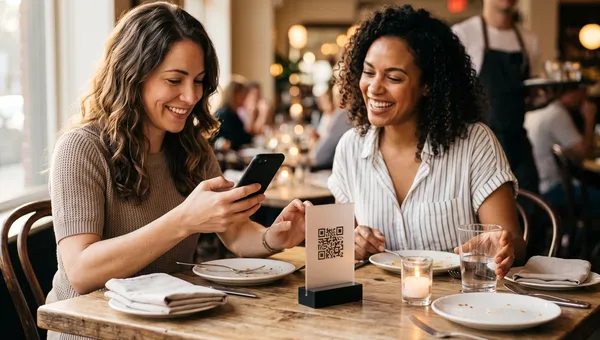
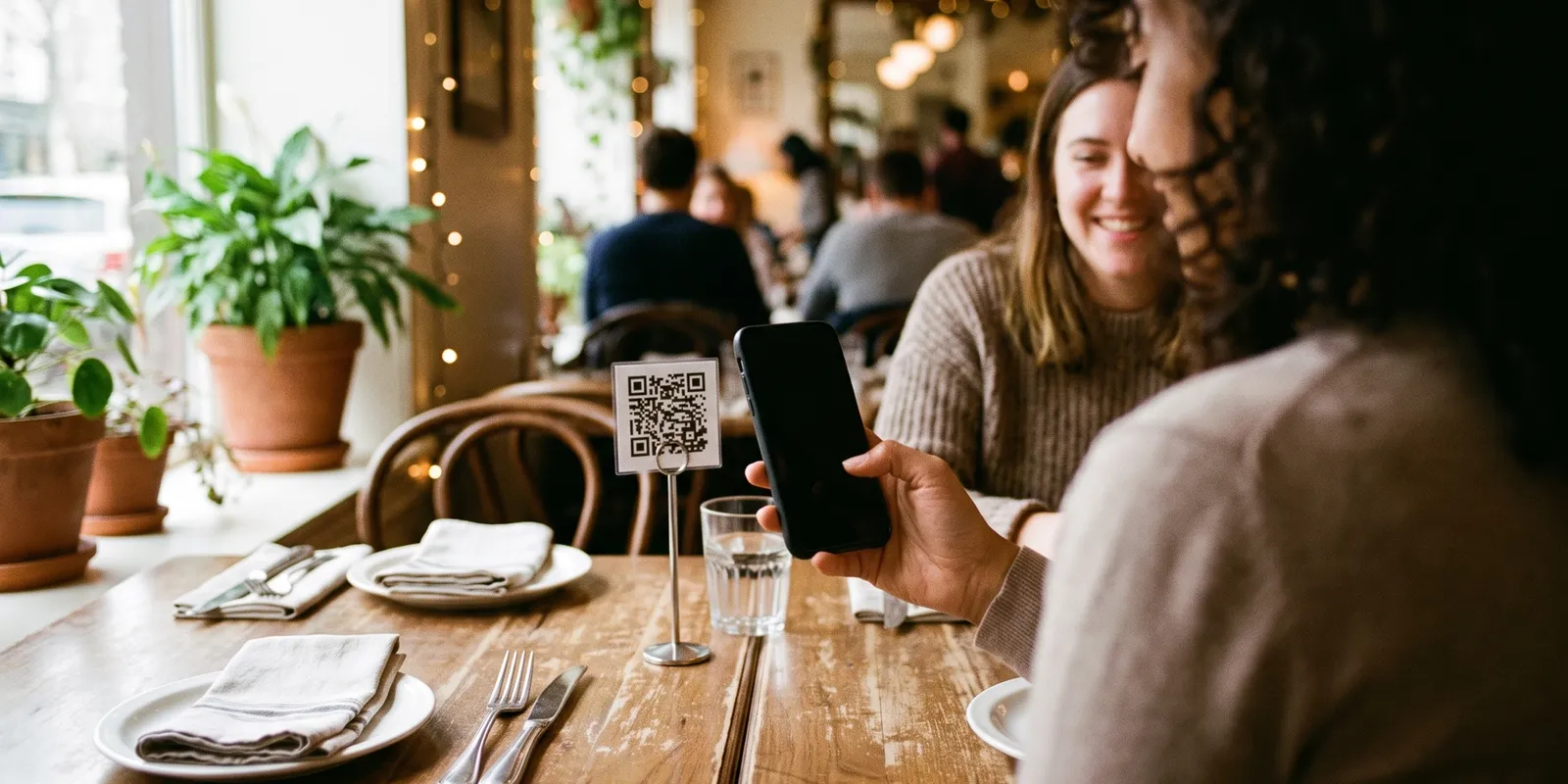
A QR code menu swaps the printed menu for a square code that links to your menu online. The guest opens their camera, points it at the code, taps the notification, and the menu loads on their phone. That is the entire interaction, and it takes a couple of seconds.
Restaurants use them in two very different ways, and confusing the two causes most of the disappointment:
- View only. The code opens a web page or a PDF of your menu, and guests still order with a server. It mostly replaces printing and nothing else.
- Scan to order. The code opens an ordering screen tied to that specific table. Guests add items, pay if you let them, and the order goes straight to the kitchen. This is the version that changes your labour and turnover maths.
Both start from the same code. The difference is entirely in what the link points at, which is why the platform matters far more than the code generator. Our guide to contactless menus and ordering covers where each option fits.
Do guests need an app to scan a QR code menu?
No, and this is the single most common worry. Every iPhone since iOS 11 and effectively every Android phone sold in the last several years reads QR codes with the stock camera app. The guest points, a link appears, they tap. The few people who struggle are usually on an old handset or have scanning switched off, which is why you keep a handful of printed menus behind the pass. Never let it become an argument at the table.
How to create a QR code menu for your restaurant
Seven steps. The first four are the ones most restaurants skip, and they are the ones that decide whether guests actually use it.
- Decide view only or scan to order before anything else. Every later choice follows from this. If you want guests ordering and paying from the phone, you need an ordering platform, not a code generator.
- Build the menu as structured items, not a PDF. A PDF on a 6 inch screen is a pinch and zoom nightmare, and it is the biggest single reason guests abandon QR menus. Every dish should be its own item with a name, price, short description and a photo where the dish earns one.
- Set the destination URL. Point the code at a proper mobile menu page, not a file download, and use one URL per table if you want orders routed to the right table.
- Generate the code as a dynamic code. It costs nothing extra and it means you never reprint. More on why in the next section.
- Print it at the right size on the right material. The working rule from the format's own documentation is a roughly ten to one ratio of scan distance to code size, so a code read from about 30 cm should be at least 3 cm across. Matte laminate or an acrylic stand beats glossy card, which throws glare under spotlights and stops the scan dead.
- Place and label the codes. One code per table, each with a three word instruction next to it. Bare codes with no label get ignored.
- Brief the staff and watch the first week. Adoption is set by whether the server says "scan the code, I will bring your drinks" or says nothing at all. Check your scan counts after seven days and fix the tables that are not scanning.
How to make the QR code itself
Free generators produce a working code in seconds. The things that actually matter are the settings people ignore: use a higher error correction level so the code still scans with a coffee ring on it, keep a clear white margin (the quiet zone) of about four modules around the pattern, and never invert the colours. Dark code on a light background is what scanners expect. The technical reference from Denso Wave, which invented the QR code, is the definitive source on sizing and error correction if you want the exact specifications.
Then test it properly: one iPhone, one Android, in your actual dining room light, and once more at night with the lamps down. A code that scans on your desk at noon and fails in a dim booth at 9pm is a code you will hear about from guests.
Where to place QR codes in a restaurant
- Table tents or a small acrylic stand: the highest scan rate, and it survives table wiping.
- A laminated sticker on the table itself: cheaper, but avoid the edge where elbows and plates cover it.
- Inside the physical menu cover: useful while you transition and guests still expect paper.
- Window or door for takeaway and passing trade, and on receipts and delivery packaging to pull repeat orders direct.
Avoid under glass tabletops (reflections), anything smaller than about 2 cm, and glossy finishes directly under a spotlight.
Static vs dynamic QR codes: which should a restaurant use?
A static code has the destination baked into the pattern itself. To change where it goes, you print a new code. A dynamic code encodes a short redirect that you control, so the printed code never changes and you edit the destination from a dashboard whenever you want.
For a restaurant menu this is not a close call. Prices move, dishes get pulled, and one day you will change platforms. With static codes every one of those becomes a reprint across every table in the room. Dynamic codes also count scans, which is the only honest way to know whether guests are using the thing at all.
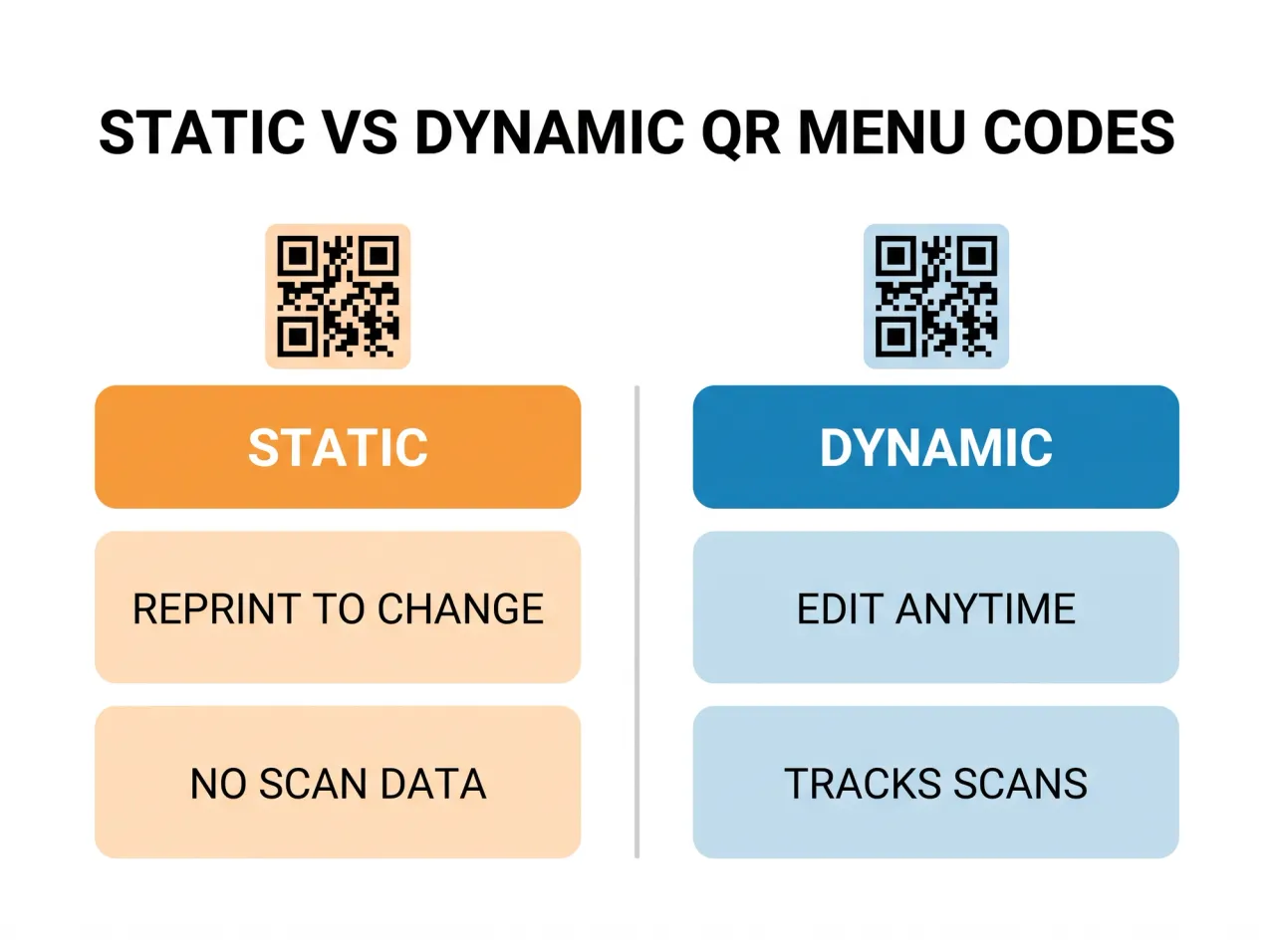
The only real case for a static code is a destination that will genuinely never move, like a permanent landing page. For a live menu, use dynamic.
How much does a QR code menu cost?
The code itself is free. Everything you pay for is what sits behind it, and it splits four ways:
- Free generator plus a PDF: nothing. You get a static code, no scan data, no ordering and a pinch to zoom experience. Fine for a two week trial, not for a business.
- Digital menu tools: roughly 10 to 40 USD per location per month. A hosted mobile menu, dynamic codes and basic scan analytics, but guests still order with a server.
- QR ordering inside a POS: typically 0 to 100 USD per location per month, and often bundled into the base plan. Guests order and pay, orders route to the kitchen, and prices and stock stay in sync with the rest of the system.
- Physical materials: 1 to 6 USD per table, once. Laminated tents or acrylic stands.
Set that against printing. A 20 table restaurant reprinting laminated menus four times a year at 4 USD a copy spends roughly 320 USD a year on paper that goes out of date the week a supplier raises a price. If you are weighing screens as well, our breakdown of digital menu board costs covers that side of the budget.
What QR menus actually change, and what they do not
The honest version: a QR menu does not fill an empty restaurant, and it will not fix slow service on its own. What it reliably changes is the number of trips a server makes to a table, how fast a table turns after the guest is ready, and how quickly you can pull a dish that ran out. Those are real, and they compound in a busy room.
It also moves order value, but not by magic. Guests browsing at their own pace, with photos and clearly presented add ons, tend to order more than guests deciding under the mild social pressure of a server standing there. That effect lives or dies on how the menu is built, which is why step 2 above matters more than any other step.
We rolled QR ordering into a cafe in Dubai and the first version flopped: about a third of tables scanned. The code was a lovely glossy card sitting under a spotlight, so half the scans just failed and guests gave up and waved someone over. We swapped to matte stands and printed "Scan to order, we will bring it over" under each code. Scans went past 70 percent of tables in a fortnight. The technology was never the problem. The lighting and one line of copy were.
What to look for in a QR code menu ordering system
If you are going past view only, the ordering system is the actual purchase. Judge it on these:
- Table level routing, so an order arrives in the kitchen tagged with the table that placed it.
- Live item availability, so a sold out dish disappears from the menu instead of being ordered and refunded.
- Modifiers and combos that work properly, since this is where add on revenue comes from.
- Payment your way: pay now, pay at the counter, or add to a tab, because forcing prepayment at a sit down restaurant costs you orders.
- Dynamic codes and scan analytics per table, so you can see which tables are not scanning.
- One menu, every channel, so the same items and prices feed dine in, takeaway and delivery without you editing three places.
That last point is where most cheap QR tools fall down: they leave you maintaining a separate menu. Keeping one source of truth is the entire argument for running QR ordering through restaurant menu management rather than a standalone generator, and for tying codes to table management so orders land on the right table.
QR code menus in the UAE
QR ordering caught on faster in the Gulf than in most markets, and there are a few local specifics worth getting right. Menus should be available in English and Arabic, and if you serve an Arabic speaking crowd the Arabic version needs to be a real translation with right to left layout, not a machine rendering of the English.
Prices displayed to guests must include VAT under UAE Federal Tax Authority rules, so your QR menu should show the amount the guest actually pays rather than a pre tax figure with the tax added at checkout. If you run seasonal menus, Ramadan is the obvious case for dynamic codes: an iftar menu that replaces the regular one for a month and switches back without anyone reprinting a single table tent.
The bigger prize in this market is margin. A guest who scans your code and orders direct costs you a payment fee. The same guest ordering through an aggregator costs you a commission many times that, which is the whole argument in our comparison of direct ordering versus delivery apps.
QR menu best practices that move the numbers
- Put a short instruction under every code. "Scan to order" beats a bare square by a wide margin.
- Photograph your top ten sellers properly. On a phone screen the photo is the menu, and a bad photo suppresses a good dish.
- Keep the first screen short. Categories, not 60 items. Guests decide in the first few seconds whether this is easier than asking a server.
- Load fast. Anything over about three seconds on restaurant wifi and you lose the guest to the paper menu.
- Never gate the menu behind a sign up. Asking for an email before someone can read the food is the fastest way to kill adoption.
- Check scan data monthly and fix the outliers. A table that never scans usually has a physical problem: glare, position, or a code someone spilled sauce on.
Frequently Asked Questions
How do I create a QR code for my restaurant menu?
Build your menu as a mobile web page with individual items rather than a PDF, take that page URL, and run it through a dynamic QR generator so you can change the destination later without reprinting. Print each code at about 3 cm or larger on matte material, put one on each table with a short instruction, then test it on both an iPhone and an Android in your real dining room lighting before you roll it out.
Do guests need an app to scan a QR code menu?
No. The built in camera app on any reasonably current iPhone or Android phone reads QR codes without extra software. Guests point the camera at the code, tap the link that pops up, and the menu opens in their browser. Keep a few printed menus for the rare guest whose phone will not cooperate.
How much does a QR code menu cost?
Generating the code is free. Hosting a proper digital menu runs roughly 10 to 40 USD per location per month, while QR ordering built into a POS is typically 0 to 100 USD per location per month and often included in the base plan. Add 1 to 6 USD per table once for the printed stands.
What is the difference between a static and a dynamic QR code?
A static code has the destination encoded permanently in the pattern, so changing where it points means printing a new code. A dynamic code points at a redirect you control, letting you change the menu behind it at any time and count how many people scanned. Restaurants should use dynamic codes.
How do I scan a QR code menu at a restaurant?
Open your phone camera, point it at the code so the whole square is in frame, and wait a second for the link notification to appear, then tap it. If nothing happens, make sure the camera is focused and there is no glare on the code, or check that QR scanning is enabled in your camera settings.
Are QR code menus still used in 2026?
Yes, though the reason changed. They arrived as a hygiene measure and stayed as an operations tool: instant menu updates, fewer server trips per table, and ordering data you never got from paper. What faded is the view only PDF. What grew is scan to order.
What size should a QR code menu be?
Follow the roughly ten to one rule: the code should be about a tenth of the distance it will be scanned from. For a code on a table read from around 30 cm, that means at least 3 cm across. Go larger for window displays, and never below about 2 cm.
Getting your QR menu live
A QR code menu is easy to launch and easy to launch badly. The restaurants that get real value from it treat the code as the least interesting part: they build the menu as proper items, use dynamic codes, print at a sensible size on matte material, and tell guests what to do in three words.
Quickbuy runs the whole chain in one place, so the code on the table, the menu behind it, the order that reaches the kitchen and the table it belongs to are the same system rather than four tools stitched together. You can see how QR scan to order works and what it costs on our pricing page. Or start smaller: put dynamic codes on five tables this week, watch the scan numbers, and let the room tell you whether it works.