On this page
To manage restaurant tables well during service, you need three things: a live view of which tables are free, seated or waiting to pay, a seating rotation that spreads guests evenly across your servers, and a fast reset between parties. Get those right and the same room seats more covers without anyone feeling rushed.
This guide covers how to manage restaurant tables from the first seating to the last reset. In most restaurants the problem isn't a shortage of tables. It's the gaps between steps: a table that finished eating and is still waiting for the bill, a host who seats the same section three times in a row, or a cleared table nobody has reset.
What does it take to manage restaurant tables?
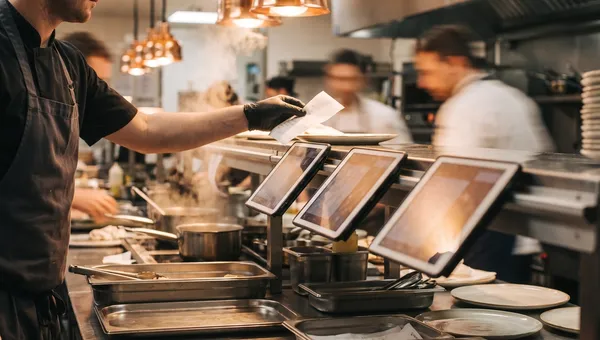
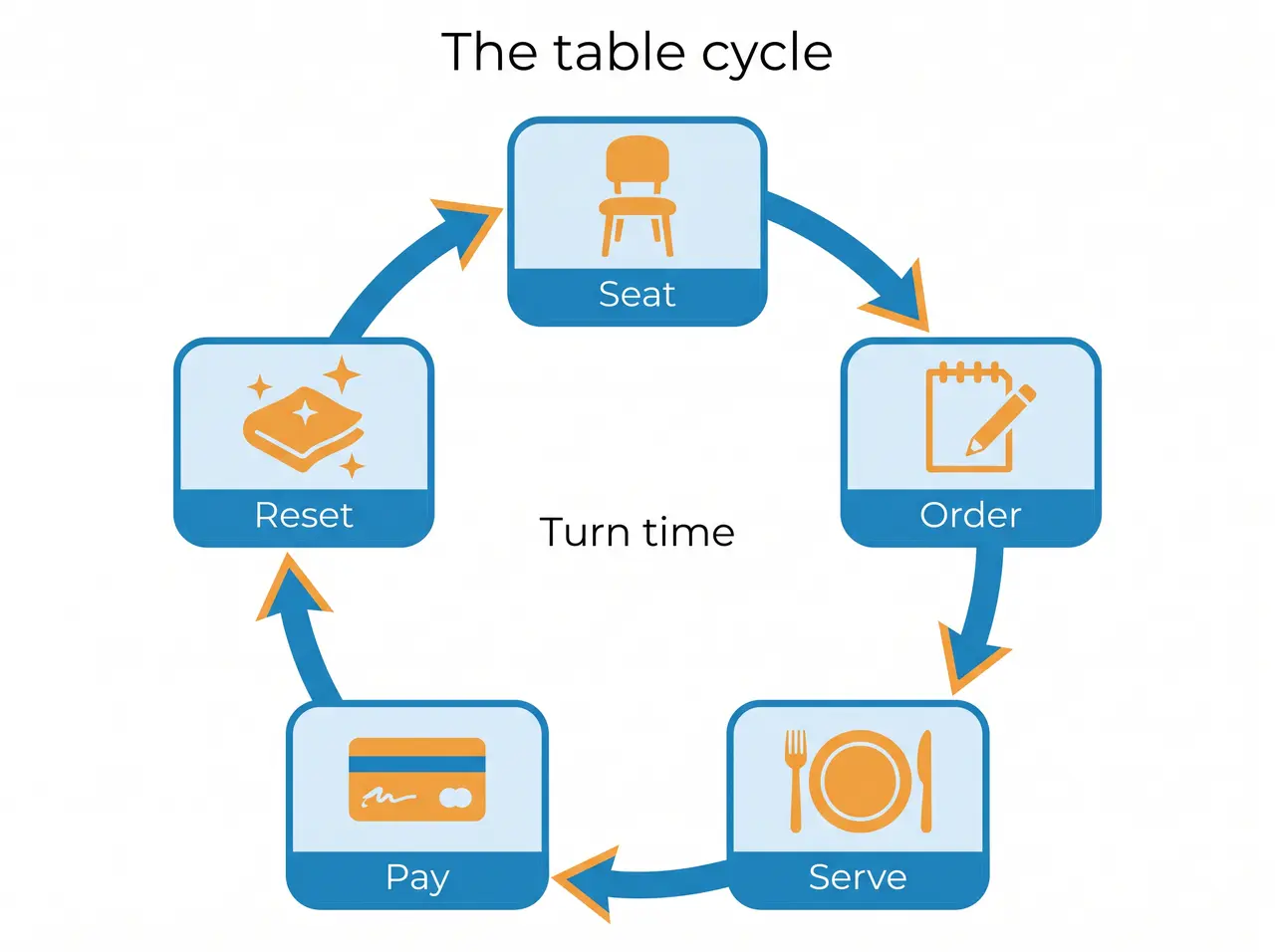
Table management means matching each party to the right table and moving every table through the same cycle: seat, order, serve, pay and reset. The host owns the first step, servers own the middle three, and bussers or runners own the reset. When one step slows down, the whole floor backs up behind it, even if the kitchen is keeping pace. So the fix is rarely another person at the door. It's making each step visible to whoever owns the next one.
It's a different job from floor plan design, which decides where tables go and how many seats you have. Our guide to restaurant floor plans covers layout and spacing. This guide is about running the tables you already have on a busy night.
How do restaurants keep track of tables?
There are three common ways, and most restaurants move up through them as they get busier.
A paper chart or whiteboard
The host marks a table as seated and crosses it off when it clears. It costs nothing and works for a small room, but it only knows what the host writes down. Servers can't see it from the floor, and it says nothing about how long a table has been sitting.
The table map in your POS
Most POS systems show tables on a map and link each open order to its table, so staff can see which tables have an open check. That's a big step up, as long as staff actually open orders against tables instead of on a generic counter ticket.
A table management system
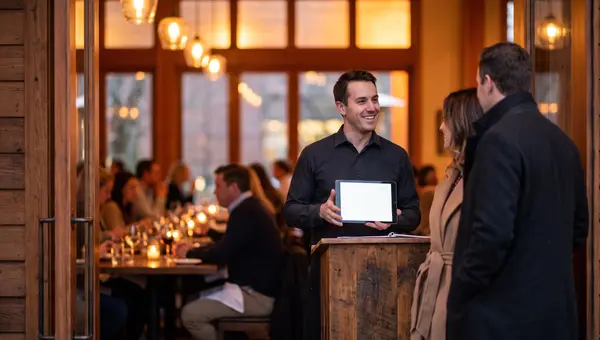
A table management system adds live status and time. Each table shows whether it's free or seated, how long the guests have been there, how many orders they've placed and whether anything is still unpaid. That lets the host make seating decisions from a screen instead of walking the room every few minutes.
How do you seat guests faster?
Faster seating comes from preparation, not from rushing guests out. These habits make the biggest difference:
- Split the floor into server sections and seat in rotation, so no server gets three new tables in five minutes
- Match party size to table size: a four-top seating two loses two seats for the whole turn
- Set the table during the reset, so a cleared table is ready again in one trip
- Quote honest wait times, and seat the next party as soon as the reset is done
- Watch which tables are close to finishing, like those that have asked for the bill
The last habit is where most time hides. A host who can see that one table has paid and another has been seated for 70 minutes can plan the next three parties instead of guessing. Agree on a simple signal for a table that's finishing, like the bill being requested, so the host knows before the guests stand up.
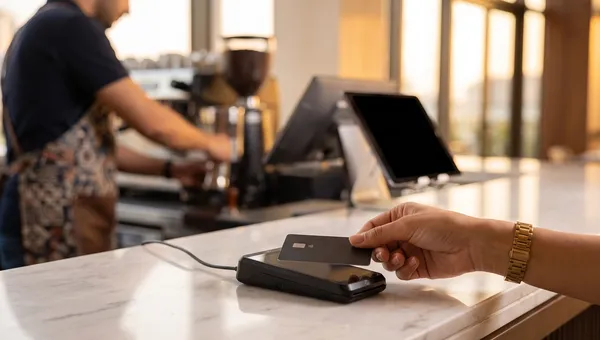
The table that costs you most is rarely the empty one. It's the one that finished eating and is still waiting to pay. I'd fix how fast guests can settle the bill before I'd buy more chairs.
How do you measure table turnover?
Track two numbers. Turn time is the minutes from seating a party to the table being reset for the next one. Table turns are how many parties a table serves in one service. Set targets for each by table size and meal period, because a two-top at lunch and a six-top at dinner should never share a target. Pull two weeks of your own numbers before you set them, and start with the tables that run longest.
Table mix matters as much as speed. In a Cornell study of a Chevys restaurant, researchers found that the best mix of table sizes could handle 30% more guests than the restaurant's existing mix without longer waits. If your parties are mostly couples and your room is mostly four-tops, no amount of fast seating fixes that.
For one number across the room, revenue per available seat hour (RevPASH) divides revenue by the seats you have and the hours you're open. It shows whether a fuller room is also earning more. Our guide to restaurant KPIs that actually matter shows how to calculate it.
What should a table management system do?
Whatever you use, check that it does these things before you commit:
- Show a floor plan of your real room, with separate floors or areas if you have them
- Update each table's status from orders, not from someone remembering to tap a button
- Show how long each table has been seated
- Keep each table's orders, running total and payment status in one place
- Check that nothing is unpaid or unserved before a table is closed
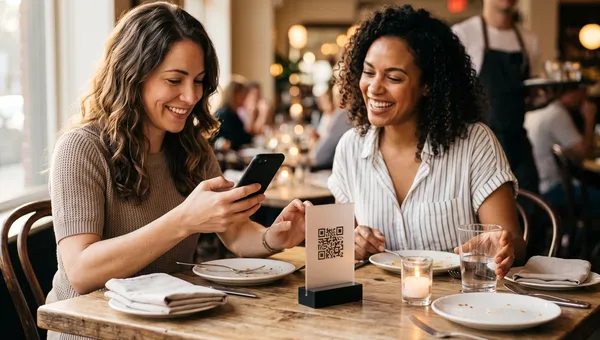
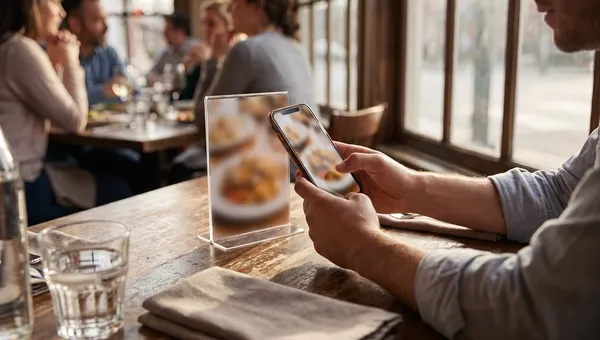
- Give each table its own QR code if guests order or pay from their phones
Bookings are a separate decision. If most of your covers are walk-ins, a live view of your tables does more for you than a booking engine. If you take a lot of bookings, read our guide to restaurant reservation software before you add one.
How Quickbuy shows your tables
We built Quickbuy's floor view around that cycle. You lay out each floor by dragging tables into place, and every table shows whether it's free or seated, how long the guests have been there, its running total, and any unpaid or late orders. Open a table to see each order with its status and payment. Before a table is closed, Quickbuy lists any orders that are still open, unserved or part-paid so staff can resolve them first.
Every table also gets its own QR code you can print, orders from every table land on the same order board with the table number, and the dashboard shows table occupancy at a glance.
Frequently Asked Questions
How do restaurants keep track of tables?
Small restaurants often use a paper chart or whiteboard at the host stand. Busier ones use the table map in their POS or a table management system, which shows each table's status, how long it has been seated and what it has ordered. The more covers you do, the more a live view pays for itself.
What is a table management system?
It's software that shows your floor plan with the live status of every table, so hosts and servers can see which tables are free, seated or waiting to pay. Good systems also time each table and link it to its orders and payments.
How do you seat guests faster?
Seat in rotation across server sections, match party size to table size, set tables during the reset and watch which tables are close to finishing. Most of the time you save comes from shorter gaps between parties, not from shorter meals.
Can guests order from the table?
Yes, if each table has its own QR code. Guests scan a QR code to order and pay from their phones, and the order arrives with their table number. Servers still look after the table, but they spend less time taking orders and walking card machines around.
Fix the slowest step first
Managing restaurant tables comes down to a live view of every table, a fair seating rotation and a quick reset. Time each step for a week, find where tables stall, and fix that step first. When you want every table on one screen, see Quickbuy's plans and pricing.