On this page
- How does a QR code ordering system work?
- QR menu vs QR ordering system: what is the difference?
- What does QR code ordering change on the floor?
- How much does a QR code ordering system cost?
- QR ordering vs self-ordering kiosks vs handheld POS
- Which features matter when choosing a QR code ordering system?
- How to roll out QR ordering without losing the hospitality
- QR code ordering in the UAE
- Frequently Asked Questions
- Put the menu, the table and the bill on your guest's phone
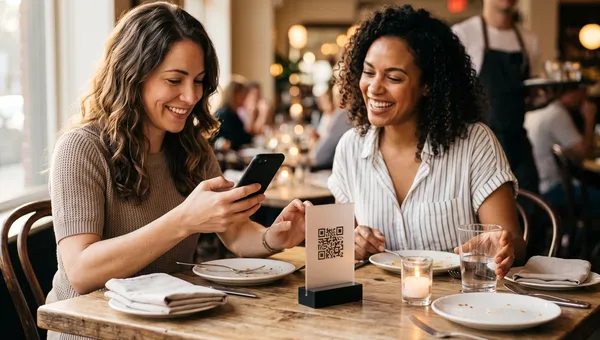
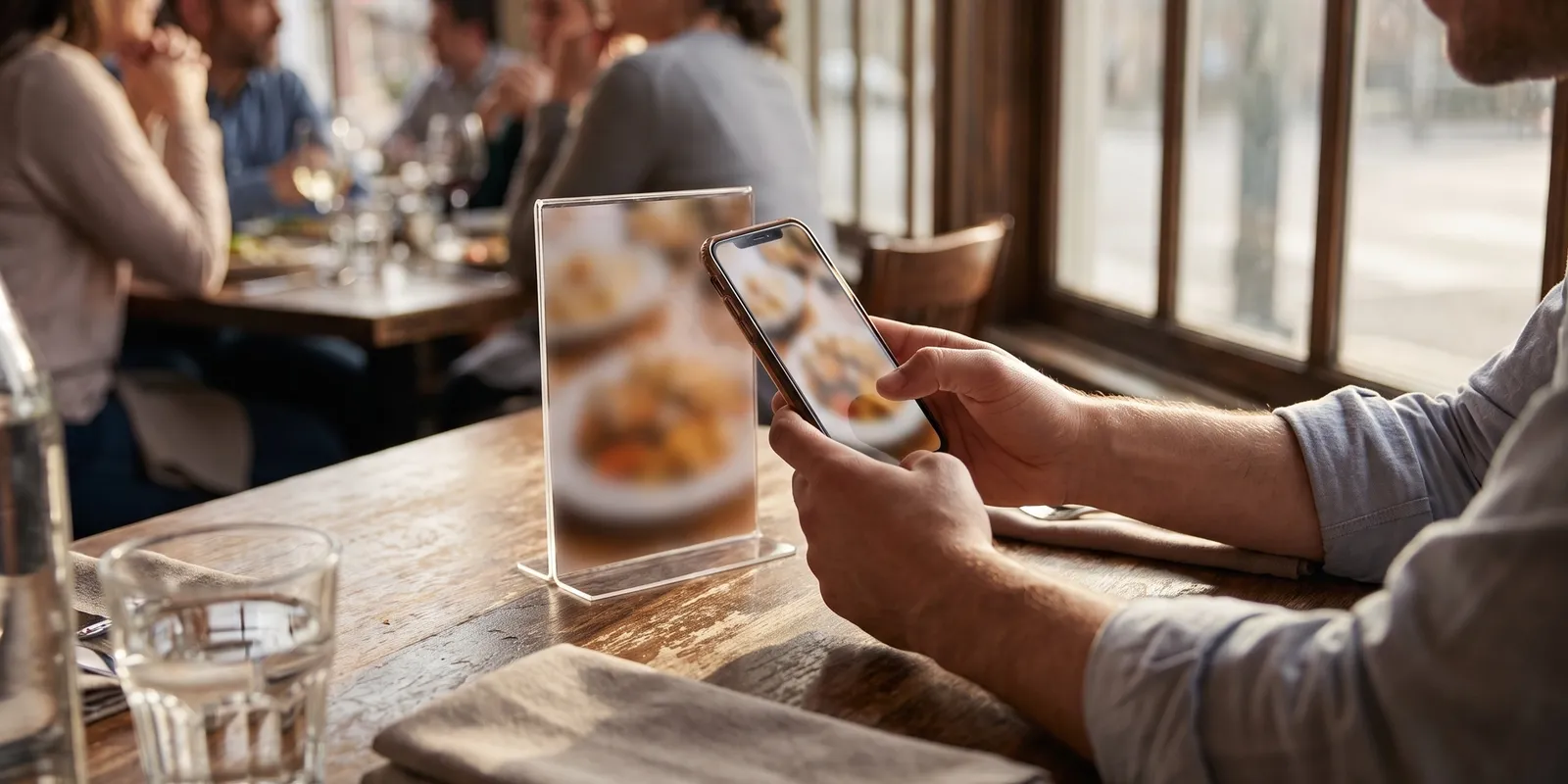
A QR code ordering system for restaurants lets guests scan a code at the table, open your menu in their phone's browser, order and pay, with every order landing in your POS and kitchen without a server keying it in. It is the ordering layer on top of a QR menu: the menu shows what you sell, the ordering system takes the order and the money.
This guide is for operators deciding whether to add one: how the flow works from scan to payment, where the cost really sits, how QR ordering compares with kiosks and handheld POS, the features that decide whether it pays for itself, and how UAE restaurants run it alongside the delivery apps.
How does a QR code ordering system work?
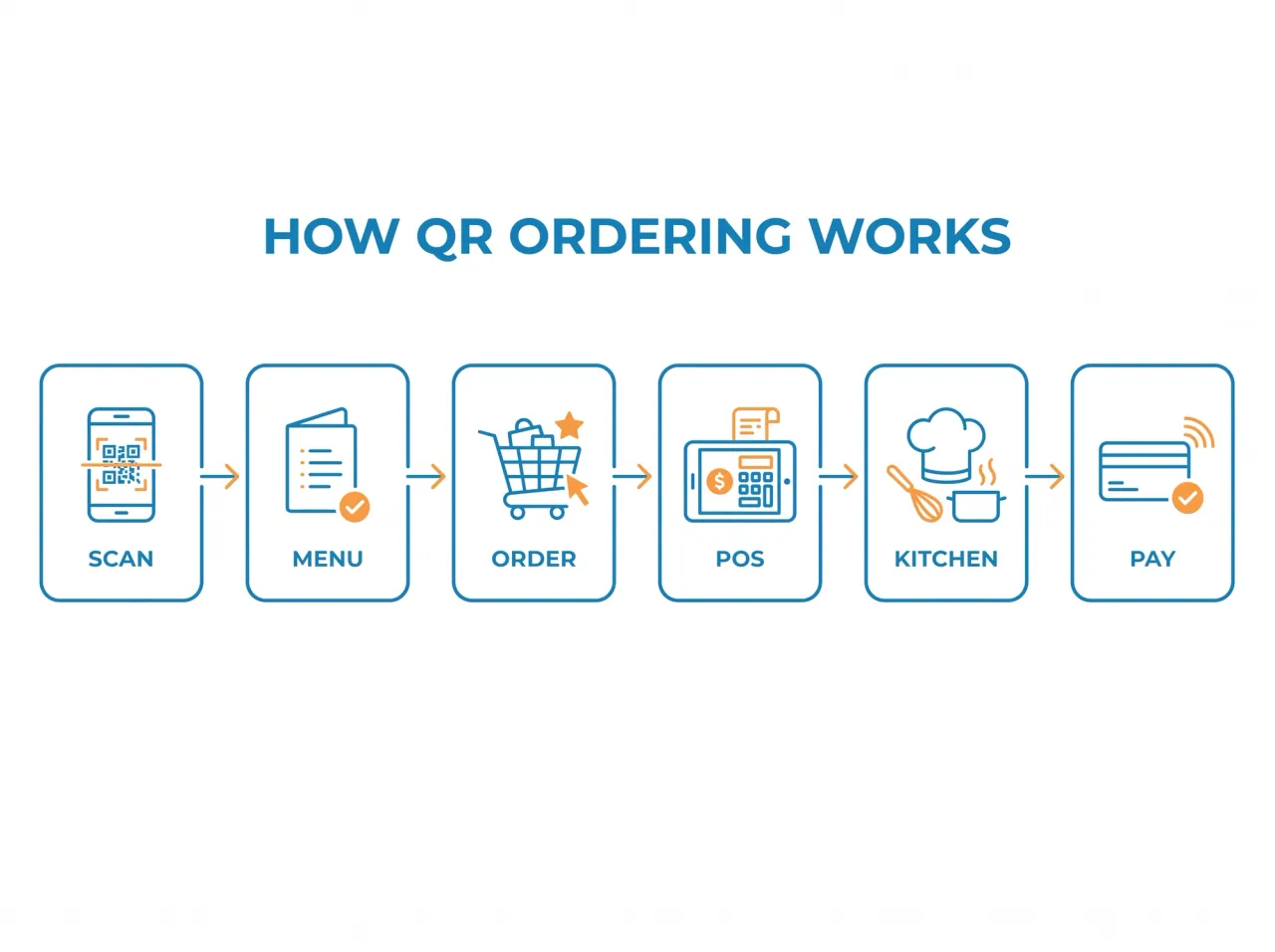
None of it needs an app download. Here is the full loop:
- You build the menu once in your restaurant software, then print one code per table and a separate code for takeaway pickup.
- The guest scans with the phone camera. The menu opens in the browser with photos, modifiers and live prices, in the guest's language.
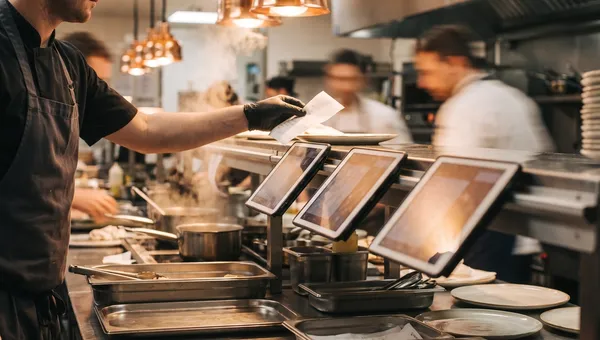
- They add items and send the order. It lands on your order board tagged with the table and the channel, and on the kitchen display in the same second.
- The kitchen taps the ticket when it is ready, the floor is alerted, and the dish is run to the table that placed it.
- The guest pays from the phone, splits the bill by item with the rest of the table, or leaves everything on the table bill and settles at the end.
Two details decide whether this feels effortless or chaotic. The code must be tied to the table, so every order arrives with a location. And the order must land inside the same system your POS and kitchen display already use, not on a separate tablet someone has to watch.
QR menu vs QR ordering system: what is the difference?
A QR menu is view only. The guest scans, reads, then orders the old way. If that is all you need, our guide to creating a QR code menu covers the setup, static versus dynamic codes and the costs.
A QR ordering system adds the transaction. The guest builds the order, the system routes it, and payment can close the table without a card machine ever reaching it. That is the version that changes labour, ticket size and turn time, so it is also the version worth evaluating properly.
What does QR code ordering change on the floor?
Fewer relay errors and a faster first order
Guests type their own modifiers, so “no onions” never gets lost between the table and the pass. The first order also arrives minutes earlier, because nobody is waiting to catch a server's eye.
Bigger tickets from second rounds, not pressure
The lift in average order value comes from photos next to every dish, modifiers that upsell without a server remembering the script, and second rounds of drinks ordered the moment guests want them. Guests are receptive to this: the National Restaurant Association's 2022 State of the Restaurant Industry report found that two thirds of consumers would use a tableside tablet to order and pay if it were offered, rising to around 80% for Gen Z and millennials.
A different job for your servers, not fewer of them
The honest version of the labour story is reallocation. Servers stop transcribing orders and start hosting: greeting, recommending, running food, fixing problems. One server can cover more tables at peak, which is where the saving shows up, but the role changes and not everyone likes the change.
We made 'pay at the end' the default for dine-in QR orders on purpose. Forcing guests to pay the whole bill before the first plate arrives costs you orders at a sit-down table, because people will not commit to dessert at minute one. The trade-off is that your team still has to close the table properly, so the system refuses to free a table while an order on it is unpaid. Operators sometimes push back on that block in week one. By week three it is the feature they mention first.
How much does a QR code ordering system cost?
The subscription is the visible number and rarely the biggest one over a year. The full cost stack has five lines:
- Software: standalone QR ordering tools are a per-location monthly subscription, with payments, integrations and analytics on higher tiers. POS-bundled systems include QR ordering in the plan, so you pay for the platform, not the feature.
- Payment processing: card fees per transaction, usually a percentage plus a small fixed amount. You already pay these on your terminal, so compare the rate.
- Commission or convenience fees: some platforms take a percentage of every QR order or add a guest-facing fee. This line scales with your success, so read the contract before the demo ends.
- Hardware: essentially none. Printed codes and table standees, plus optionally a kitchen screen and a printer you probably own.
- Setup and content: menu entry, photos and translations. A one-off cost, and the one that decides whether guests actually order.
For reference, Quickbuy includes QR table ordering and takeaway codes in every plan, with no per-order commission, from AED 999 a month for a single location or AED 849 a month on an annual plan.
The number to compare: cost per order
Divide the monthly cost by the QR orders you expect. A single location doing 1,000 QR orders a month on a AED 999 plan pays about AED 1 per order. A delivery app taking 25% to 30% of a AED 80 ticket costs AED 20 to 24 per order. The channels do different jobs, and the direct online ordering versus third-party delivery apps maths is worth running for your own menu, but that gap is why owners steer regulars to QR first.
QR ordering vs self-ordering kiosks vs handheld POS
All three replace the pen and pad, but they suit different rooms:
- Self-ordering kiosks fit counter service and QSR, where the queue forms at the counter anyway. They cost real money per unit and need floor space, so they rarely suit a 40-seat cafe. Our self-ordering kiosk buyer's guide covers the maths.
- Handheld POS keeps the server in charge of the order, which suits fine dining and tasting menus where the conversation is the product.
- QR ordering costs nothing per table, scales from a six-table cafe to a 300-seat terrace, and works best in casual dining, cafes, lounges, pool bars and food halls, where guests reorder often and staff are stretched at peak.
Which features matter when choosing a QR code ordering system?
Demos all look the same. These features decide whether the system pays for itself:
- Table-level routing, so an order arrives tagged with the table and floor it came from.
- Live availability tied to stock, so a dish the kitchen cannot make disappears from the menu instead of being ordered and refunded.
- Modifiers and combos that work properly, because that is where the add-on revenue comes from.
- Payment your way: pay now, split by item, or settle at the end. Forcing prepayment at a sit-down table loses orders.
- One menu across every channel: the same items and prices should feed dine-in, QR and takeaway from one place, which is the argument for running QR ordering through your restaurant menu management rather than a standalone generator.
- Multilingual menus with tax-inclusive pricing, so a mixed room orders without help and the receipt matches the bill.
- Kitchen and floor sync: the ticket should reach the kitchen display and the order board at the same moment, with status flowing back to the table.
- No app, and your data stays yours: order history, items and payment records sit in your system, not the vendor's marketplace.
Before you sign, ask what happens to an order if the internet drops, who owns the guest and order data if you leave, and whether any per-order fee exists now or in the tier above yours.
How to roll out QR ordering without losing the hospitality
Not every guest wants to order from a phone. A 2023 William Blair survey reported by Restaurant Dive found that more than 45% of consumers were not comfortable using QR codes to view menus, order and pay, rising to 65% among diners over 60. So keep the human option alive:
- Start with one section or one daypart, such as the terrace at lunch, and fix the friction there before going room-wide.
- Have servers greet the table first and explain the code in one sentence. Scan rates jump when a person points at the standee.
- Keep printed menus for anyone who asks, and let staff take that table's order on the POS.
- Measure weekly: scan rate per table, time to first order, orders per table, and tips. If tips fall, the greeting is missing, not the tech.
- Fix the menu before blaming the software. Missing photos and vague dish names hurt QR orders more than the scan itself.
For the service side, including the pay-at-table step most restaurants skip, our contactless menu and ordering guide has the full rollout plan.
QR code ordering in the UAE
The UAE is close to the ideal market for QR ordering. A menu that switches language on scan solves a real problem in rooms that mix Arabic, English, Hindi and Chinese speakers. Every line has to carry 5% VAT correctly, and a system that prices VAT-inclusive and reports it per order saves the accountant a day a month. With delivery apps charging a quarter or more of every ticket, the direct channel you own is the one worth growing, which is why a QR code menu and ordering system built for this market pairs table codes with a takeaway pickup code for the office crowd and the pre-iftar rush.
Frequently Asked Questions
Do guests need an app to use a QR code ordering system?
No. The code opens the menu in the phone's normal browser, and the order and payment happen there. Apps are a barrier for a one-time diner, which is why browser ordering converts better in tourist markets.
How much does a QR code ordering system cost?
Standalone tools are priced per location per month; POS-bundled platforms include it in the plan. The cost that matters is per order: divide the monthly fee by expected QR orders, then add any per-order commission.
What is the difference between a QR code menu and a QR code ordering system?
A QR code menu is view only; guests read it and order through a server. A QR code ordering system lets guests order and pay from the same screen, with the order routed to the POS and kitchen automatically.
Can guests pay through the QR code?
Yes, in a proper ordering system: pay by card immediately, split the bill by item, or keep everything on the table bill and settle at the end. Card fees apply as they would on a terminal.
Does QR code ordering work for takeaway as well as dine-in?
Yes. Alongside one code per table, you get a separate pickup code that guests scan on a standee or open from a link shared on WhatsApp or Instagram. Orders land on the same board tagged as takeaway. It is a pickup channel, not a delivery-address checkout.
Put the menu, the table and the bill on your guest's phone
Quickbuy gives every table its own QR code and every location a takeaway pickup code, with orders landing on the same board as the POS and the kitchen display. Menus load in English, Arabic, Hindi, Chinese and Portuguese, prices carry VAT correctly, dishes go out of stock when ingredients run low, and there is no per-order commission. Every feature is in every plan, so see Quickbuy pricing or book a demo.