On this page
- What Is a Restaurant Self-Ordering Kiosk?
- Why Restaurants Are Adopting Self-Ordering Kiosks in 2026
- Types of Self-Ordering Kiosks
- Must-Have Features to Look For
- How Much Do Self-Ordering Kiosks Cost in 2026?
- How to Choose the Right Kiosk System
- Kiosks vs. QR Code Ordering: Which Should You Choose?
- Frequently Asked Questions
- Bring Self-Ordering to Your Restaurant with Quickbuy
Walk into almost any busy quick-service or fast-casual restaurant in 2026 and you will spot them: sleek touchscreen terminals where guests browse the menu, customize their order, and pay without ever speaking to a cashier. Self-ordering kiosks have graduated from a big-chain experiment into mainstream restaurant technology - and operators of every size are now weighing whether to invest.
The appeal is easy to understand. Kiosks can lift average order value, shorten queues, free your team to focus on food and hospitality, and capture data on every transaction. But they are also a real investment, and the wrong system can frustrate guests and leave you with hardware that does not talk to your POS. This guide breaks down what self-ordering kiosks are, why restaurants are adopting them, what they cost, the features that actually matter, and how to choose the right system for your restaurant in 2026.
What Is a Restaurant Self-Ordering Kiosk?
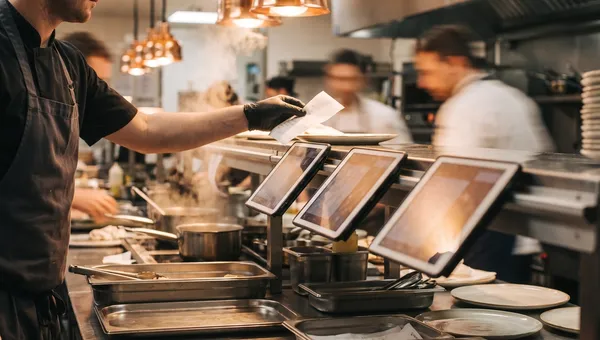
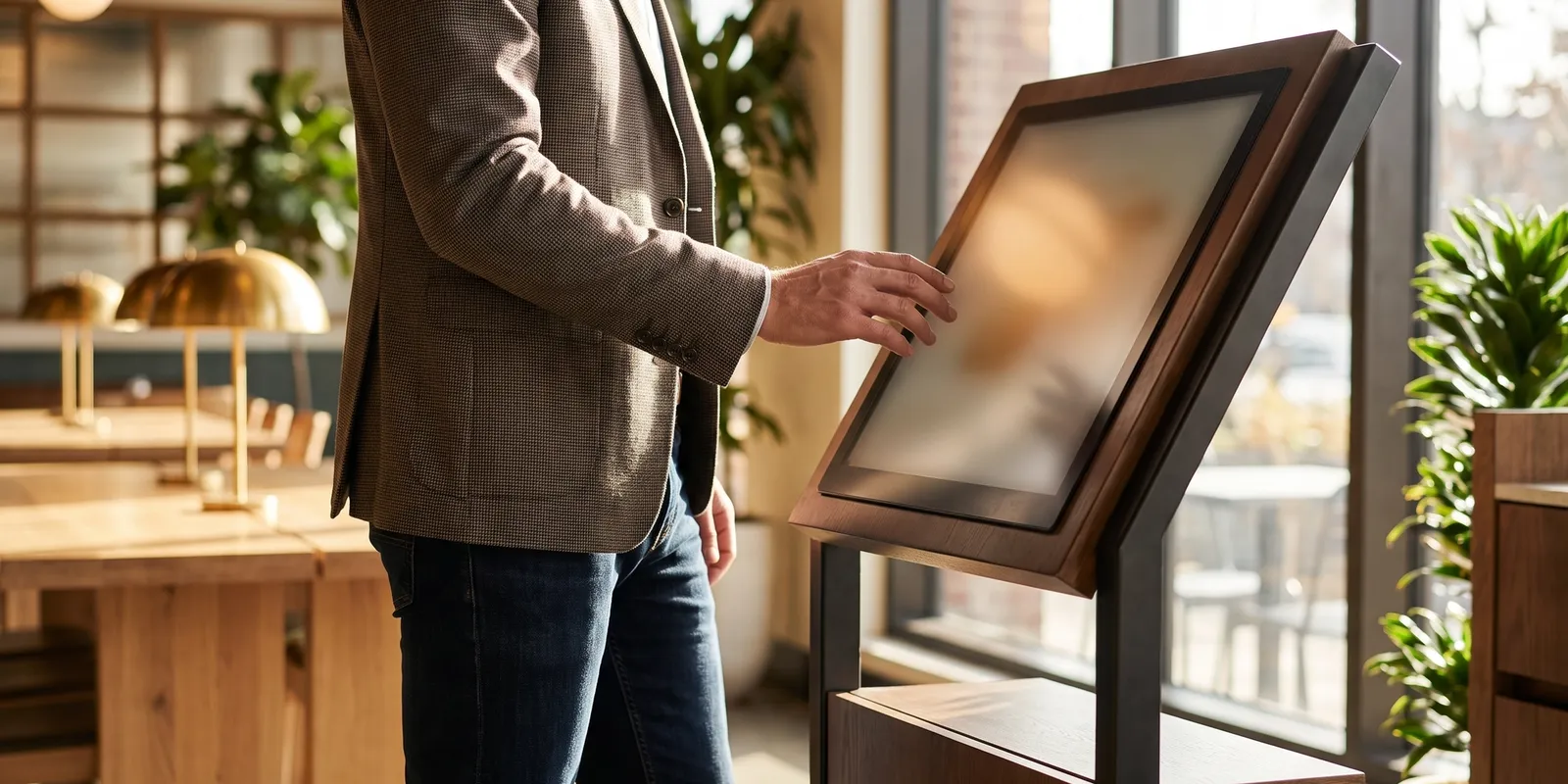
A self-ordering kiosk is a customer-facing terminal - usually a touchscreen - that lets guests browse a digital menu, build and customize their order, and pay on their own. Behind the glass, a kiosk is really two things working together: hardware (the screen, stand, card reader, and sometimes a receipt printer) and software (the ordering interface that connects to your point-of-sale and kitchen).
The software is the part that matters most. A kiosk that takes orders but does not sync with your POS, kitchen display, and inventory creates more manual work, not less. The best systems treat the kiosk as one more ordering channel that flows into the same back end as your counter, online, and QR orders.
Why Restaurants Are Adopting Self-Ordering Kiosks in 2026
Higher average order value
This is the number that convinces most owners. When guests order from a screen instead of a person, they take their time, explore the full menu, and add extras without feeling rushed or judged. Well-designed combo and add-on prompts do the rest. Operators frequently report average order values climbing 10-30% after rolling out kiosks, driven by consistent, unmissable suggestions like "Make it a combo?" or "Add a dessert?"
Lower labor pressure
Kiosks do not eliminate staff, but they change what your staff does. Instead of standing behind a register keying in orders, team members can expedite food, run orders to tables, and focus on hospitality. During peak rushes, a bank of kiosks absorbs demand that would otherwise need two or three extra cashiers - a real advantage when hiring is hard and wages keep rising.
Faster service and shorter queues
Several kiosks let multiple guests order at once, so a line that used to stretch out the door moves in parallel. Higher throughput at peak times means more covers served and fewer walk-aways.
More accurate orders
Guests build their own orders exactly as they want them, and modifiers are captured precisely - no mishearing "no onions" across a noisy counter. Fewer mistakes means fewer remakes, less waste, and happier customers.
Better data and personalization
Every kiosk order is a digital record. Over time you learn which items sell, which upsells convert, and when your peaks land - and if the kiosk is tied to a loyalty program, you can recognize returning guests and tailor offers to them.
Types of Self-Ordering Kiosks
Not every restaurant needs the same hardware. The main formats are:
- Freestanding floor kiosks - large touchscreens on a pedestal, ideal for high-traffic quick-service restaurants and food courts where guests order standing up.
- Countertop kiosks - tablets mounted on a stand or counter, a lower-cost option that suits cafés, bakeries, and smaller footprints.
- Wall-mounted kiosks - space-saving screens fixed to a wall, common in tight urban locations and grab-and-go concepts.
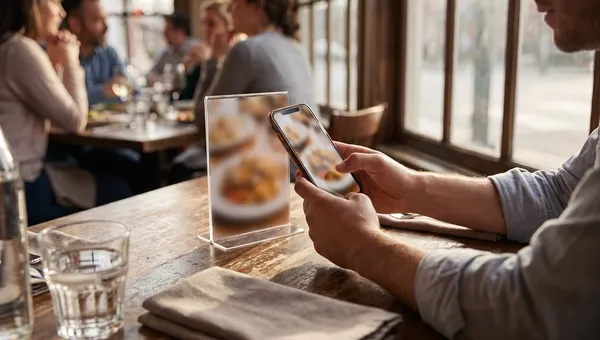
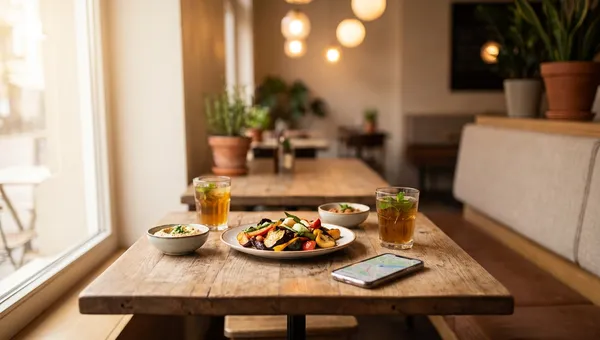
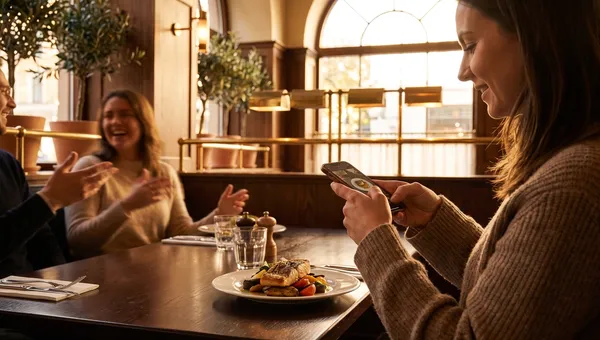
- Bring-your-own-device (BYOD) kiosks - instead of buying hardware, guests scan a QR code and order from their own phone, turning every table and every pocket into a self-ordering surface.
That last option matters. QR-based ordering delivers most of the sales-lifting benefits of a kiosk with almost no hardware cost, which is why many restaurants start there before adding dedicated terminals.
Must-Have Features to Look For
Hardware gets the attention, but software makes or breaks a kiosk program. Prioritize these:
- POS and kitchen integration - orders must flow straight to your POS, kitchen display, and inventory with no re-keying.
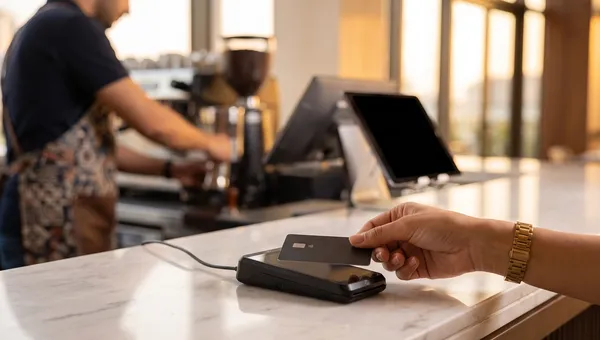
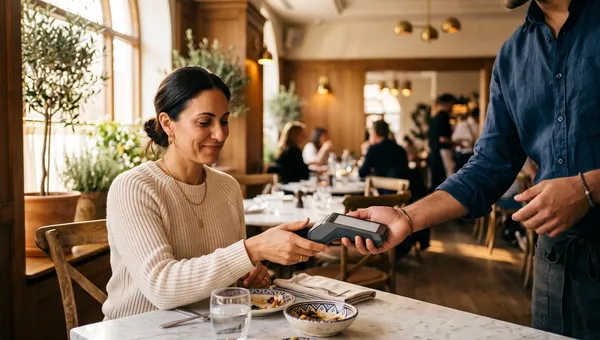
- Flexible payments - support tap-to-pay, mobile wallets, chip cards, and, where relevant, cash and gift cards.
- A smart upsell engine - rules-based combos, add-ons, and "frequently paired" prompts that lift check size automatically.
- Accessibility - ADA-friendly screen height, high-contrast modes, and screen-reader support so every guest can order.
- Multilingual menus - let guests order in their preferred language, which is essential in diverse and tourist-heavy markets.
- Loyalty and CRM - sign-ups and rewards at the point of order to turn one-time visitors into regulars.
- Offline resilience - the kiosk should keep taking orders if the internet drops, then sync when the connection returns.
- Remote menu management - update items, prices, and sold-out products across every kiosk from one dashboard, instantly.
- Real-time analytics - item-level sales, upsell conversion, and peak-hour reporting you can actually act on.
How Much Do Self-Ordering Kiosks Cost in 2026?
Cost is the question every buyer asks, and the honest answer is that it depends on the format and the software model. There are three components to weigh:
Hardware
A freestanding floor kiosk typically runs from a few hundred to a couple of thousand dollars per unit, depending on screen size, card reader, and printer. Countertop tablet kiosks cost less, and BYOD/QR ordering needs no dedicated hardware at all.
Software
Most kiosk software is sold as a monthly subscription per terminal or per location. Watch the pricing model closely: some vendors charge a flat SaaS fee, while others take a percentage of every order - quietly scaling your cost with your success.
Payment processing
You will pay standard card-processing fees on kiosk transactions. Some platforms lock you into their own payment processor; others let you keep your existing rates.
When you add it up, the smartest way to evaluate cost is total cost of ownership over three years - hardware, software, payments, and support - not just the sticker price. A commission-free platform like Quickbuy, which charges a predictable subscription instead of a cut of every order, keeps that math firmly in your favor as volume grows.
How to Choose the Right Kiosk System
Use this simple process to avoid an expensive mistake:
- Map your busiest ordering flow first. Where do lines form, and which format - floor, counter, or QR - fits that space?
- Insist on native POS integration. If the kiosk cannot talk to your existing POS and kitchen, keep looking.
- Check the pricing model. Prefer predictable subscriptions over per-order commissions that punish growth.
- Pilot before you scale. Run one or two kiosks for a month, measure average order value and throughput, then decide.
- Plan the rollout - and the humans. Position kiosks well, add clear signage, and keep a staff member nearby to help guests for the first few weeks.
Kiosks vs. QR Code Ordering: Which Should You Choose?
You do not necessarily have to choose. Physical kiosks shine in high-volume, order-at-counter formats where guests expect a screen. QR-code ordering shines at the table and for grab-and-go, costs almost nothing to launch, and scales to every seat instantly. The strongest 2026 setups treat both as the same digital-ordering channel on one platform, so menus, pricing, upsells, and reporting stay in sync no matter how the guest orders. That unified approach is exactly what a platform like Quickbuy is built for - turning any phone, tablet, or terminal into a commission-free self-ordering surface connected to a single POS.
Frequently Asked Questions
Do self-ordering kiosks really increase sales?
In most cases, yes. Because kiosks present the full menu and prompt every guest with consistent upsells and combos, average order values commonly rise by double digits. Guests also tend to order more when they can browse at their own pace without feeling rushed.
How much does a restaurant self-ordering kiosk cost?
It varies by format. Freestanding floor kiosks range from a few hundred to a couple of thousand dollars per unit plus monthly software; countertop tablet kiosks cost less; and QR-based "virtual kiosks" need no hardware beyond a printed code. Always compare three-year total cost of ownership, including payment fees and any per-order commissions.
Do kiosks replace restaurant staff?
No - they redeploy staff. Kiosks handle order entry and payment so your team can focus on food quality, speed, and hospitality. Most restaurants keep the same headcount but shift roles toward expediting and guest experience.
Are self-ordering kiosks difficult to set up?
Not with the right software. Cloud-based systems let you import your menu, connect your POS, and go live quickly. BYOD/QR ordering is the fastest of all - you can launch in a day by printing codes for your tables and counter.
Can small and independent restaurants benefit from kiosks?
Absolutely. Independents often start with a single countertop tablet or QR-based ordering to capture the average-order-value and labor benefits without a large hardware outlay, then add terminals as volume grows.
Bring Self-Ordering to Your Restaurant with Quickbuy
Self-ordering is no longer just for the big chains. Whether you want a full floor kiosk, a countertop tablet, or QR ordering at every table, the winning move in 2026 is to run all of it on one commission-free platform. Quickbuy turns any device into a self-ordering surface - QR menus, online ordering, and in-store self-service - all connected to a single POS, with upselling, loyalty, and real-time analytics built in. You keep 100% of every order instead of handing a percentage to a middleman. Explore Quickbuy's plans and pricing to see how affordable modern self-ordering can be for your restaurant.