On this page
Running a restaurant in 2026 means doing more with less. Labor is scarce and expensive, guests expect their food fast and their orders accurate, and margins are thinner than they have been in years. Restaurant automation software is how thousands of operators are closing that gap - using technology to absorb repetitive tasks so their teams can focus on hospitality and the food.
But 'automation' is a broad word, and the market is crowded with tools that promise to transform your restaurant overnight. This guide breaks down what restaurant automation software actually is, which parts of your operation are worth automating first, how to evaluate vendors, and what results you can realistically expect. Whether you run a single café or a growing multi-location group, you'll finish knowing exactly where to start.
What Is Restaurant Automation Software?
Restaurant automation software is any technology that performs operational tasks that would otherwise need manual effort - taking orders, routing tickets to the kitchen, tracking inventory, scheduling staff, processing payments, or sending marketing messages. Instead of replacing your team, good automation removes the low-value, error-prone busywork that slows them down.
In practice, automation lives across several connected systems: a point-of-sale (POS), an online-ordering and QR-menu platform, a kitchen display system (KDS), inventory tools, and scheduling and marketing apps. The more these systems share data, the more powerful automation becomes - an order placed at the table can flow straight to the kitchen, deduct ingredients from stock, and trigger a loyalty reward without anyone lifting a finger.
Why Restaurant Automation Matters in 2026
Labor is scarce and expensive
Staffing remains the number-one operational headache for restaurants. Automation won't replace your servers or cooks, but it can absorb the tasks that force you to overstaff - manual order entry, phone orders, chasing tickets, and end-of-night reporting. Many operators redeploy those saved hours into guest-facing roles that actually drive repeat business.
Guests expect speed and accuracy
Diners now compare your service to the frictionless experiences they get everywhere else. Self-ordering, instant digital receipts, and accurate order routing cut wait times and mistakes - the two things most likely to sink a review.
Margins leave no room for waste
With food and labor costs high, small inefficiencies compound quickly. Automated inventory counts, prep forecasting, and real-time reporting surface the waste and shrinkage that spreadsheets miss, protecting the few points of margin you have.
The Core Areas to Automate
You don't need to automate everything at once. Start where the payback is fastest and the disruption is lowest - usually ordering and the kitchen - then expand from there.
Order taking
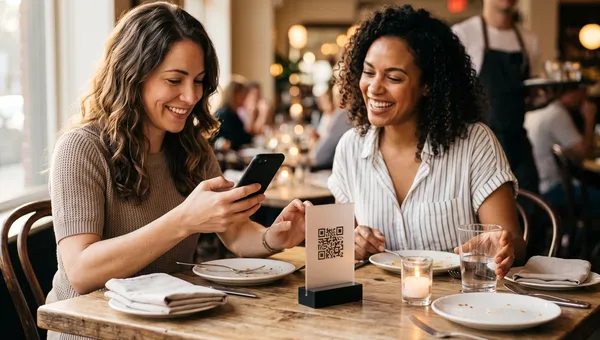
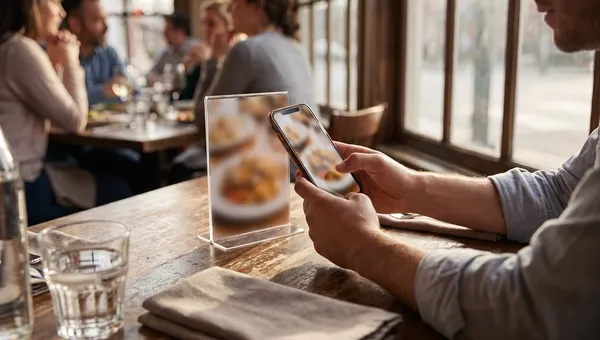
This is the highest-leverage place to begin. Online ordering and QR-code self-ordering let guests order and pay themselves, from their own phones, at the table or online. That means:
- Fewer staff tied up taking orders at the counter or over the phone
- Higher average tickets, because digital menus upsell consistently and without pressure
- Fewer order errors, because the guest enters exactly what they want
- Orders that flow straight to the kitchen with no re-keying
Kitchen operations
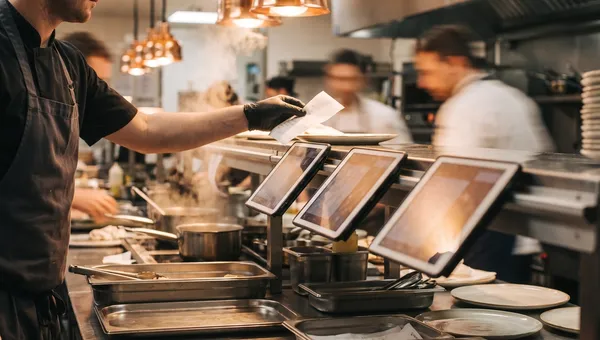
A kitchen display system replaces paper tickets, routes items to the right stations, times courses, and tracks ticket times so you can spot bottlenecks. Paired with automated order intake, the kitchen sees every order the moment it is placed.
Inventory and purchasing
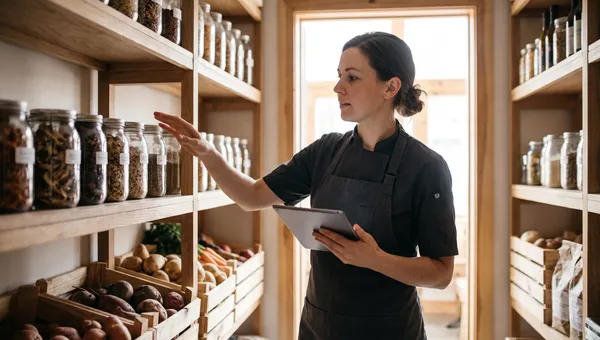
Automated inventory deducts ingredients as items sell, flags low stock, and can even draft purchase orders. This is where operators recover the most hidden margin - from over-ordering, spoilage, and shrinkage.
Staff scheduling and labor
Scheduling software builds shifts from your sales forecast, handles swaps and time-off requests, and warns you before you slide into overtime. It turns a weekly spreadsheet ordeal into a few clicks.
Payments and checkout
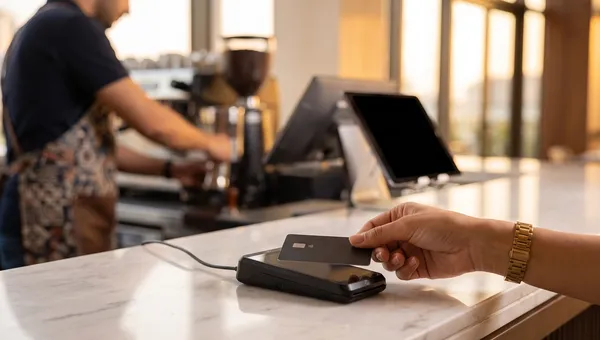
Integrated payments - tap, QR, and pay-at-table - speed up checkout, reduce walkouts, and reconcile automatically at close. There is no more matching tips and totals by hand at the end of the night.
Marketing and loyalty
Automated campaigns re-engage guests based on their behavior: a birthday offer, a 'we miss you' message after 30 days, or loyalty points that apply themselves. This is some of the cheapest revenue you will ever add, and it runs on autopilot.
How to Choose Restaurant Automation Software
Once you know what to automate, use these criteria to compare vendors:
- Integration first. The biggest gains come from systems that talk to each other. Favor an all-in-one platform, or tools with proven two-way integrations, over disconnected point solutions.
- Total cost, including commissions. Look past the monthly fee. Per-order commissions on third-party ordering can dwarf any subscription - commission-free ordering often pays for itself within weeks.
- Ease of setup and training. If your team can't learn it in a single shift, adoption stalls. Ask for a live demo using your own menu.
- Hardware flexibility. Can it run on tablets and phones you already own, or does it lock you into proprietary hardware you have to buy?
- Reporting you will actually use. Real-time sales, labor, and inventory dashboards beat exportable spreadsheets nobody opens.
- Support and reliability. A POS outage during a rush is an emergency. Check uptime, support hours, and whether it keeps working offline.
What Automation Can - and Can't - Do
Automation is a force multiplier, not a magic wand. It will reliably cut order errors, speed up service, tighten inventory, and free your team from busywork. It won't fix a weak menu, poor food, or a broken service culture. Treat it as the operating system for a restaurant that already has its fundamentals right - then it compounds everything you do well.
How Quickbuy Automates Front-of-House Ordering
Quickbuy focuses on the highest-leverage area first: getting orders in accurately, without commissions, and straight to the kitchen. Guests scan a QR code at the table or order online from a branded digital menu, pay on their phones, and the order lands in your kitchen instantly - no phone calls, no re-keying, and no third-party commission skimming your margin.
Because ordering, payments, and reporting live in one place, you get a single view of sales and can layer on loyalty and marketing without bolting together five disconnected apps. For many restaurants, automating ordering is the fastest route to lower labor pressure and higher average tickets - and it's the least disruptive place to begin an automation journey.
Frequently Asked Questions
What is restaurant automation software?
It is technology that handles operational tasks automatically - order taking, kitchen routing, inventory, scheduling, payments, and marketing - so your team spends less time on manual busywork and more time with guests.
How much does restaurant automation software cost?
It ranges from free tiers to a few hundred dollars per location each month, depending on the features you need. The bigger cost is often per-order commissions on third-party platforms; commission-free tools like Quickbuy remove that entirely.
Will automation replace my restaurant staff?
No. It removes repetitive tasks - manual order entry, phone orders, paper tickets - so your existing team can focus on hospitality and food quality. Most operators redeploy staff rather than cut them.
What should a restaurant automate first?
Start with order taking and the kitchen. Online and QR self-ordering plus a kitchen display deliver the fastest, most visible payback with the least disruption, then you can expand into inventory, scheduling, and marketing.
Do I need a separate app for every task?
You can use separate apps, but disconnected tools create manual re-entry and data silos. An integrated platform - or tools with strong two-way integrations - captures far more of automation's value.
Automate Your Restaurant with Quickbuy
The fastest, lowest-risk place to start automating is where every dollar of revenue begins: the order. Quickbuy turns your menu into a commission-free digital ordering and payment experience that guests love and your kitchen runs on. See how much you could save and streamline - explore Quickbuy's plans and pricing to get started today.