On this page
- What is pay at table?
- How does QR pay at table work?
- Pay now, pay later or pay at the counter?
- How does splitting the bill work with QR payments?
- Pay at table vs the card machine: what actually changes?
- How much does pay at table cost?
- Pay at table in the UAE
- How to roll out pay at table without confusing guests
- Frequently Asked Questions
- Put the bill on the guest's phone
Pay at table means guests settle the bill from their own phone: they scan the QR code on the table, see the live bill, and pay or split it without waiting for a server to bring a card machine. For restaurants, it closes the slowest part of the meal, the gap between a table deciding it's done and actually paying.
That gap is longer than most owners think, and on a busy night it's where good tables sit idle. This guide covers how QR payment at the table works step by step, when to let guests pay now or later, how bill splitting actually works, what it costs next to a card terminal, and what changes for restaurants in the UAE.
What is pay at table?
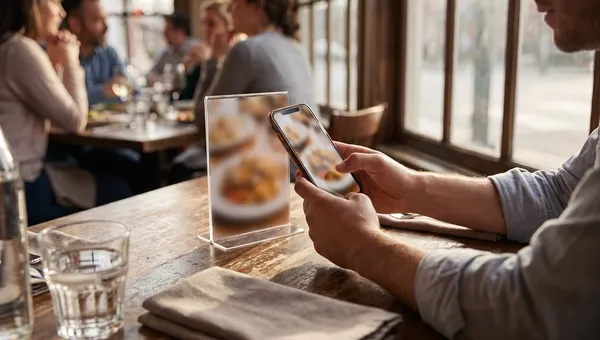
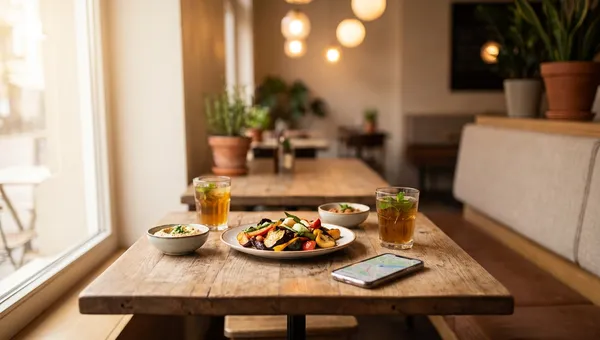
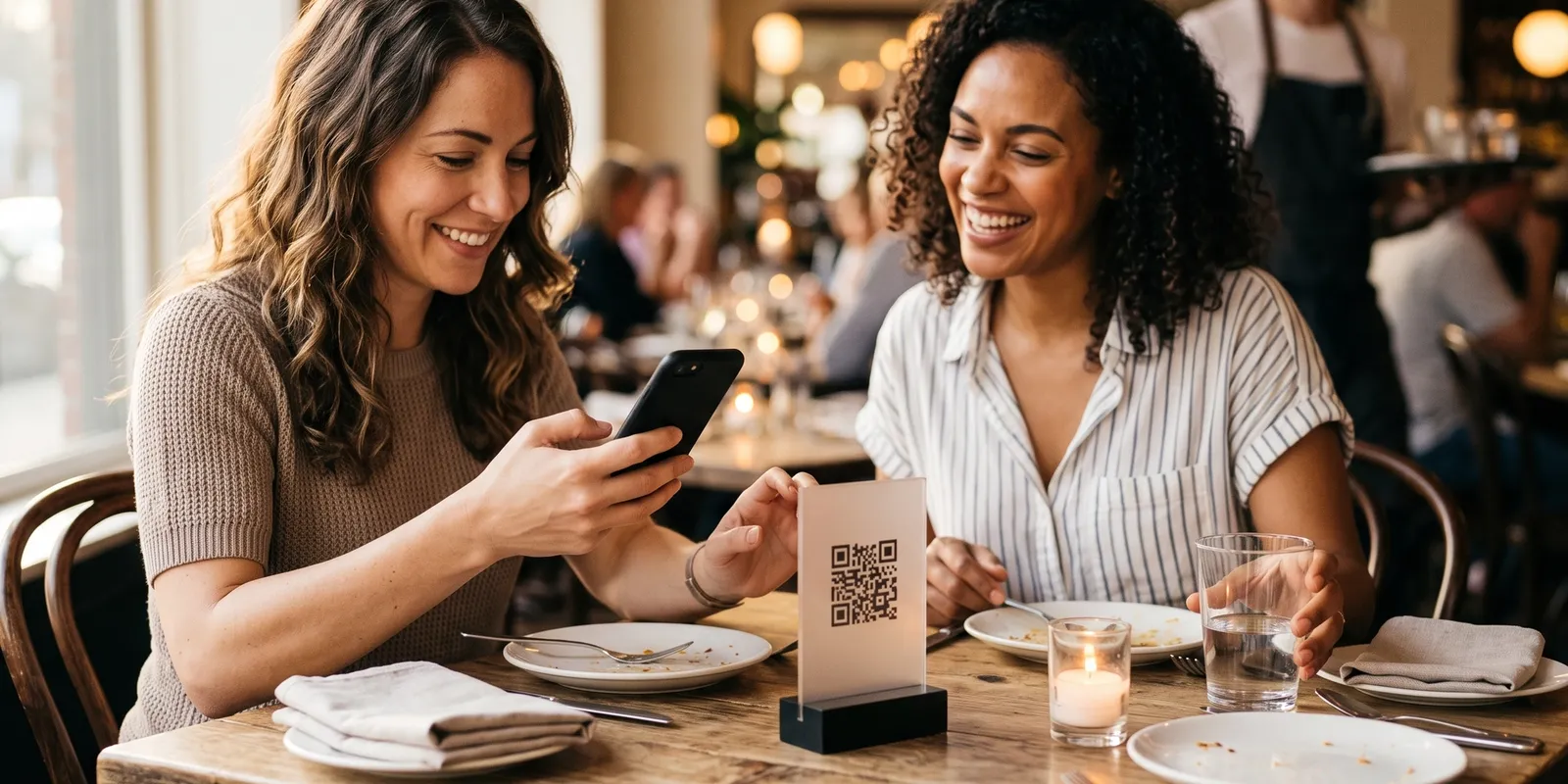
Pay at table is any setup where the guest pays at their seat instead of walking to a counter or waiting for someone to fetch the bill. The older version is a server carrying a portable card machine around the room. The version most restaurants mean in 2026 is QR payment: the same code guests scan to read the menu also opens their bill and a checkout, so the phone already in their hand becomes the terminal.
Guests don't need an app. The camera reads the code, the bill opens in the browser, and card details go into a standard payment form. If you already run QR ordering, pay at table is simply the last screen of the same flow, which is why it usually comes as part of a QR code ordering system rather than as a separate product.
How does QR pay at table work?
From the guest's side, it's four steps:
- Scan the code on the table. It's tied to that table, so the bill that opens is theirs and nobody else's.
- Check the bill. Each order placed at the table shows with its own total, and VAT sits on its own line under the subtotal, so nothing comes as a surprise.
- Choose how to pay: the full amount now by card, an equal share of it, or at the counter.
- Pay and go. The payment confirms on the phone, and the order shows as paid on the staff side.
The staff side is where systems differ. In a good setup, the till and the guest's phone read the same bill, so a table can't be paid twice: if a server has already started taking payment at the counter, the guest's screen says so instead of charging again. The payment should also reach your books without anyone re-keying it. With QR code ordering and payment at the table in one system, the order, the bill and the payment are the same record.
Pay now, pay later or pay at the counter?
Most pay at table systems let you decide when the guest is asked to pay, and the right default depends on how you serve.
- Pay now suits counter service, cafes and pickup. The guest pays while ordering, so there's nothing to chase at the end.
- Pay later suits sit-down dining. Guests order in rounds, everything collects on the table bill, and they settle once when they're ready to leave. Asking a table to prepay before the starters arrive costs you the dessert order.
- Pay at the counter stays useful everywhere: for guests paying cash or on a company card, and for anyone who simply prefers handing a card to a person.
Don't remove that last option to push everyone onto cards. Visa's 2025 research on cash usage in the UAE found that around 23% of transactions among the consumers it surveyed are still made in cash. A rollout that forces card payments doesn't remove the queue; it turns it into a line of exceptions.
How does splitting the bill work with QR payments?
Splitting is the feature guests notice most, because it removes the awkward end of a group dinner: one person paying and chasing transfers from everyone else the next day. There are three common ways to do it:
- Equal split: the balance divided by the number of people, each paying their share from their own phone. This covers most tables.
- By item: each guest ticks what they had. Precise, but slow at a table of eight sharing plates.
- Custom amounts: someone covers more, someone less, and the shares have to add up to the total.
Equal splits do most of the work in practice, and they're the hardest to get wrong on a small screen. Quickbuy's QR menu splits an order equally between 2 and 10 people and shows each person their share before they pay. Any rounding remainder lands on the last share, so the shares always add up to the bill.
We cap the equal split at ten people on purpose. Past ten it's a party booking, and one organiser nearly always settles it at the counter anyway. The harder call was keeping "Pay at counter" on the guest's screen. It's tempting to hide it and push every table to card, but around a quarter of payments here are still cash, and a guest who can't pay the way they want doesn't pay faster. They wave for a server, and you've got the old queue back with extra steps.
Pay at table vs the card machine: what actually changes?
A card terminal still works, and plenty of guests will keep asking for one. The difference is who waits. With a terminal, the table asks for the bill, waits for a server to bring it, then waits again for the machine. With QR pay at table, the guest starts paying the moment they decide to leave.
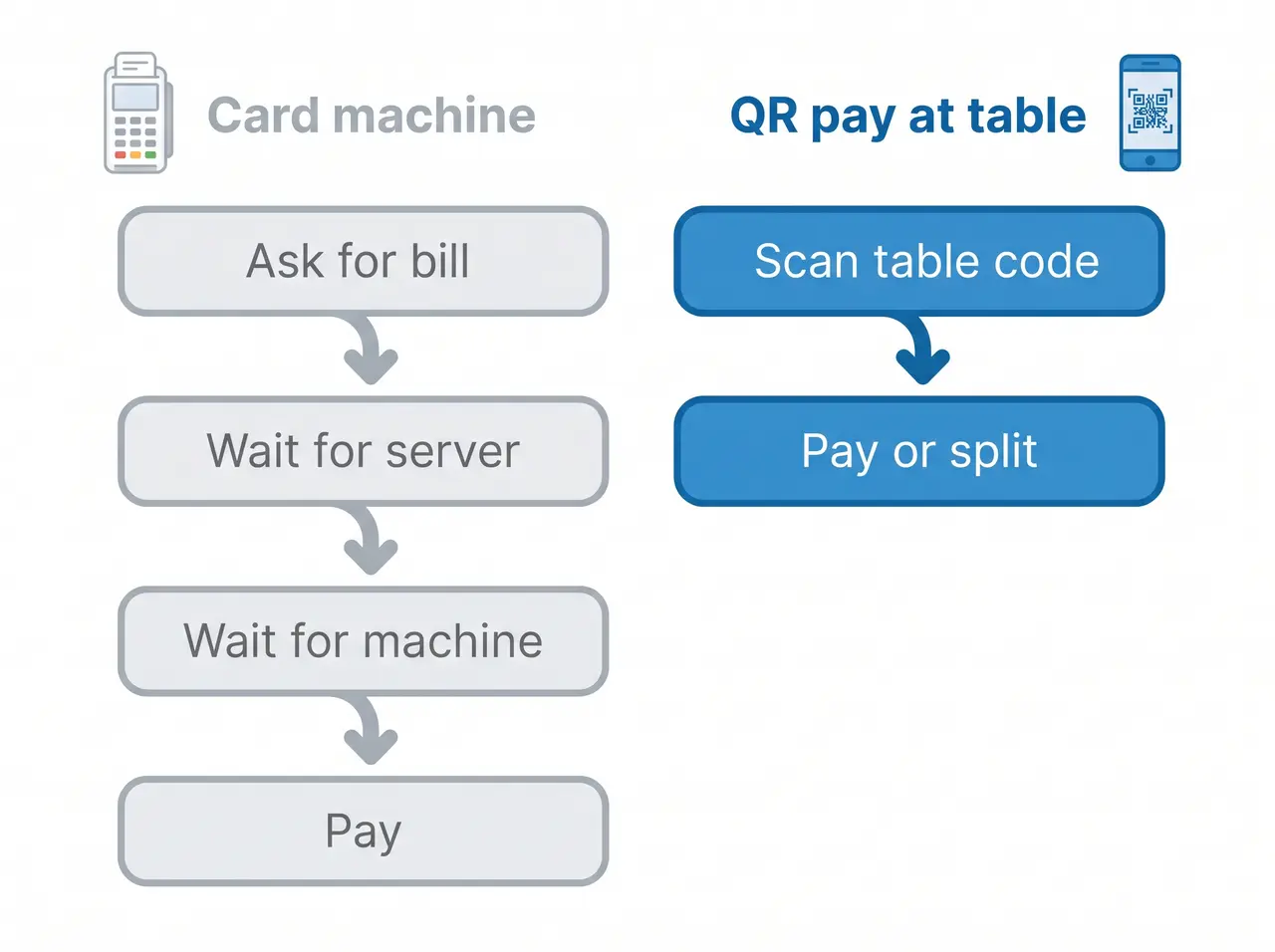
That matters most on your busiest nights, when servers take longest to reach a table and the table is worth the most to turn. It changes the server's job rather than removing it: less time walking a terminal around the room, more time on the floor where the hospitality happens. If you're still weighing hardware, our guide to POS machines in the UAE explains the difference between a card terminal and a full POS system.
Turn time is the payoff. A table that settles as soon as it's ready to leave frees up sooner for the next booking, and that compounds with the seating choices in our restaurant floor plan and table turnover guide.
How much does pay at table cost?
Price it in three parts:
- Card processing: a percentage of each payment, often plus a small fixed fee. You already pay this on your card terminal, so compare the rate rather than whether there is one.
- Software: either included in your POS or QR ordering plan, or sold as a standalone pay at table app. Standalone apps sometimes add a per transaction fee on top of card processing, so ask how the price scales with your volume.
- Table codes: a printed stand or sticker per table, bought once.
The line to watch is the per transaction fee. A flat subscription stays flat as sales grow; a percentage grows with them. A bundled system also saves a cost that never appears on an invoice: the time someone spends at close reconciling a separate payment app against the till.
Pay at table in the UAE
A few local details decide whether guests trust the screen. The first is language. The checkout should switch between English and Arabic with a proper right to left layout, because a payment screen guests can't read is one they'll abandon. Quickbuy's QR menu runs its interface in five languages, English and Arabic included.
The second is VAT. The bill should show the 5% VAT on its own line, and each payment should post to your records with the VAT attached, because that's what your return is built from. Our guide to VAT for restaurants in the UAE covers what the FTA expects from your invoices.
The third is choice. Cards and contactless dominate in Dubai and Abu Dhabi, but cash and the counter haven't gone anywhere, so keep every option open and let guests pick. Our overview of restaurant software for the UAE covers the rest of the local setup.
How to roll out pay at table without confusing guests
- Make pay later the default for dine-in, and keep pay at the counter visible on the screen.
- Map every code to its table in your table management setup before you print, so each bill opens for the right table.
- Print one short line under every code, such as "Scan to order and pay". A bare code gets ignored.
- Give the team one sentence to say when they drop the menus, so every guest hears it once.
- Test a full split before launch: four phones, one bill, and one guest paying at the counter.
- Check the first week's payments against the till at close. If they match without anyone re-keying, it's working.
Frequently Asked Questions
What is pay at table in a restaurant?
Pay at table lets guests settle the bill from their seat instead of queuing at a counter or waiting for a card machine. Most restaurants now do it with a QR code on the table that opens the live bill in the guest's phone browser, where they can pay in full or split it.
Do guests need an app to pay at the table?
No. The phone's built-in camera reads the QR code and the bill opens in the browser. Card details go into the payment provider's secure form, the same kind of checkout guests use when they shop online.
Can guests split the bill with a QR code?
Yes. The most common option is an equal split, where each guest pays their share from their own phone; some systems also split by item or by custom amounts. Quickbuy splits an order equally between 2 and 10 people and shows each share before anyone pays.
Is paying by QR code at a restaurant safe?
Yes, when the code opens the restaurant's own ordering page and card details go into a recognised payment provider's form, so the restaurant never sees the full card number. The practical risk is a tampered code, so use stands that are hard to cover with a fake sticker and check them when you reset tables.
How much does pay at table cost?
You pay card processing on each payment, usually a percentage plus a small fixed fee, just as you do on a terminal. The software is either included in your POS or QR ordering plan or sold as a standalone app, which sometimes adds a per transaction fee. Printed table codes are a small one-off cost.
Does pay at table replace servers?
No. It removes the walking back and forth with a bill and a card machine, not the service. Servers spend that time on the floor instead, and guests who prefer to pay a person can still pay at the counter.
Put the bill on the guest's phone
Pay at table fixes the part of the meal guests remember for the wrong reasons: waiting to leave. It needs no new hardware and no app, and it works best when the code that takes the order also takes the payment.
Quickbuy runs QR ordering, the table bill, bill splitting and payments as one system, with every payment and its VAT recorded against the order. Compare Quickbuy plans and pricing, or book a demo and try a split on your own menu.