On this page
- What Is a Cloud-Based Restaurant POS?
- Cloud POS vs Traditional POS: What Actually Changes
- 7 Benefits of a Cloud-Based Restaurant POS
- Offline Mode: What Happens When the Internet Drops
- How to Choose a Cloud POS: A 9-Point Checklist
- What a Cloud POS Costs in 2026
- Switching From a Legacy POS Without Losing a Weekend
- Frequently Asked Questions
- Run Your Restaurant From Anywhere with Quickbuy
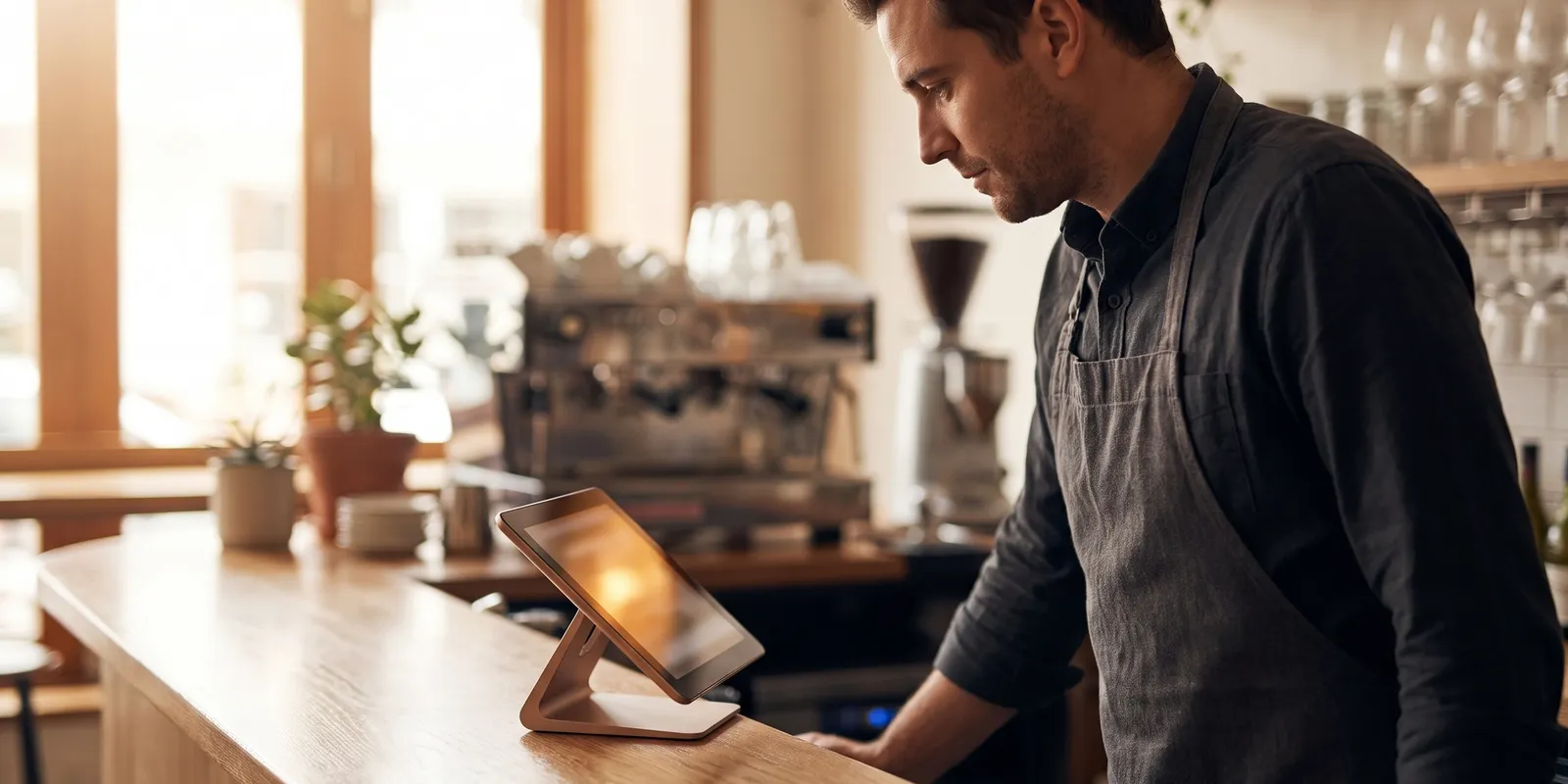
Walk into most restaurants opened in the last five years and the POS is a slim tablet on a stand, not a beige tower humming under the counter. That shift has a name: the cloud-based restaurant POS. Instead of trapping sales data on a computer in your back office, the system runs in a browser or an app and writes every order to secure remote servers the second it fires.
This guide covers what actually changes when you move to the cloud, the benefits that show up in day-to-day service, what you'll pay in 2026, and a checklist for choosing a system you won't regret in year two. It's written for operators, so expect numbers and caveats, not sales copy.
What Is a Cloud-Based Restaurant POS?
A cloud-based restaurant POS is a point-of-sale system that runs as software over the internet instead of on a server inside your restaurant. You log in from a tablet, a phone, or a touchscreen terminal; orders, payments, menu edits, and reports sync to the vendor's data centers in real time. The vendor maintains the software, pushes updates, and backs up your data as part of the subscription.
Legacy on-premise systems work the other way around. You buy a license and hardware outright, data lives on a machine in the office, and every change, from a menu tweak to a tax update, happens on site. Plenty of operators still only see their numbers when they're physically standing in the restaurant.
If you're still comparing POS categories broadly, our restaurant POS system guide walks through registers, hybrid setups, and hardware in more depth. This article stays focused on the cloud decision.
Cloud POS vs Traditional POS: What Actually Changes
Where your data lives
With a legacy setup, a fried motherboard or one spilled pitcher can take your sales history with it. A cloud POS writes each transaction to remote servers within seconds, so a dead terminal is an inconvenience, not a data loss event. You swap the hardware, log back in, and keep serving.
How you pay
Traditional installs are capital expenses. A mid-size restaurant used to spend $10,000 to $25,000 upfront on terminals, a back-office server, and installation. Cloud systems flip that into a subscription, typically $50 to $150 per terminal per month, and they run on consumer hardware like iPads, which keeps the initial spend under a couple thousand dollars.
Updates and new features
On-premise vendors ship updates rarely and often charge for them. Cloud vendors push improvements continuously, the same way your phone apps update overnight. When a payment rule changes or a delivery integration launches, you get it without a technician visit.
7 Benefits of a Cloud-Based Restaurant POS
Vendor sites list dozens of features. These seven cloud POS benefits are the ones operators consistently say changed how they run.
- Your numbers follow you. Sales, labor, and voids stream into a restaurant analytics dashboard you can open from your phone at home or between locations.
- Lower upfront cost. Tablets and standard Android terminals replace proprietary hardware, so a new station costs hundreds, not thousands.
- Updates and backups happen automatically. No version upgrades to buy, no nightly backup ritual, no service contract just to stay patched.
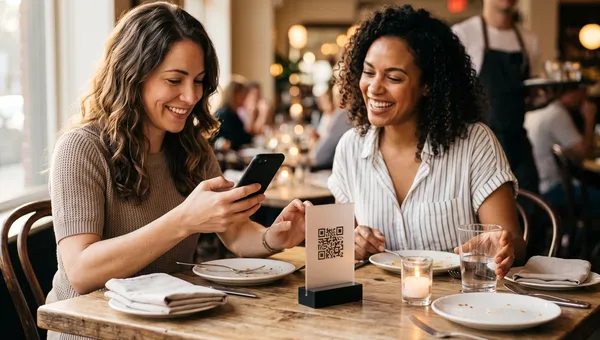
- Every channel lands in one place. Dine-in, QR table orders, pickup, and delivery flow into one order management screen instead of three tablets on the counter.
- Menu changes take minutes. Edit an item once and it syncs to every terminal, QR menu, and online store instantly. You can 86 a dish from your phone.
- Multi-location control. Same menu structure, price levels, and reports across sites, with one login instead of one server room per branch.
- Integrations plug in cleanly. Accounting, payroll, loyalty, and delivery apps connect through APIs instead of custom middleware.
Offline Mode: What Happens When the Internet Drops
The first objection to running a POS in the cloud is always the same: what about Friday night when the Wi-Fi dies? Fair question. Good systems answer it with offline mode. Terminals keep taking orders and card payments locally, then sync everything back once the connection returns.
The honest caveats: offline coverage varies a lot by vendor, some card payments are stored and forwarded at your risk, and anything that needs the server, like online ordering, pauses until you're back up. Ask every vendor exactly which functions survive an outage and for how long. The answers differ far more than the marketing suggests.
Two cheap insurance policies close most of the gap: a 4G or 5G failover router for $10 to $20 a month, and confirming your kitchen display system keeps routing tickets locally during an outage.
How to Choose a Cloud POS: A 9-Point Checklist
Every demo looks smooth. Run each contender through this list and the differences get obvious fast.
- Offline mode you've tested yourself. Unplug the router during the trial and watch what actually happens.
- Transparent pricing in writing: monthly fee, payment processing rate, and hardware, with no surprise setup charges.
- No long lock-in. Month-to-month beats a three-year contract with auto-renewal buried in clause 14.
- Payment processing you can live with. Either a choice of processors or published rates that stay competitive as you grow.
- Native online ordering and QR menus. Bolted-on third-party tools mean more fees and more sync bugs; platforms like Quickbuy bundle them into the same system.
- The integrations you actually use, confirmed by name: your accounting software, your payroll provider, your delivery apps.
- Reporting depth. Hourly sales, product mix, and labor against revenue, not just an end-of-day total.
- Data export. Your sales history is yours; confirm you can download it in full before you ever need to.
- Support that keeps restaurant hours. A phone that gets answered at 2 a.m. on a Saturday is worth more than any chatbot.
Thinking further ahead, a POS that sits inside a broader restaurant automation software stack saves you from stitching together five vendors later, because ordering, kitchen screens, inventory, and marketing already share one database.
What a Cloud POS Costs in 2026
Budget in three buckets:
- Software: $0 to $150 per terminal per month. Free tiers exist, but they usually earn their keep through higher card processing rates.
- Hardware: $300 to $1,500 per station for a tablet, stand, receipt printer, and cash drawer. A full new-build with a kitchen screen lands around $2,000 to $4,000.
- Payment processing: roughly 1.5% to 3% per transaction depending on your market and volume. Over a year this is usually the biggest line, so negotiate it first.
A single-location cafe can realistically run on $60 to $100 a month plus processing; a three-location group with kitchen screens and delivery should budget $300 to $600 across sites. Watch the add-ons, though. Online ordering, loyalty, and advanced reports are often separate line items, so compare what a cloud restaurant POS software plan includes out of the box before you stack subscriptions.
Switching From a Legacy POS Without Losing a Weekend
Migration scares operators more than it should. A clean switch looks like this:
- Export everything from the old system first: menu, price levels, tax settings, and at least a year of sales history.
- Build the new menu in a sandbox and test it properly, including modifiers and printer or kitchen-screen routing.
- Run both systems in parallel for two or three quiet shifts.
- Train in 20-minute bursts per role. Servers, cashiers, and kitchen staff each need a different flow, not one long all-hands.
- Cut over on your slowest morning and keep the old hardware plugged in for a week, just in case.
Most tablet-era systems get a small restaurant live in days, not months. The menu build is the real work, so start there.
Frequently Asked Questions
What is a cloud based POS?
A cloud based POS is point-of-sale software that runs over the internet and stores your data on remote servers instead of a computer inside the restaurant. You use it from tablets or terminals, and the vendor handles updates, security, and backups as part of the monthly subscription.
Does a cloud POS work offline?
Most good systems include an offline mode that keeps taking orders and payments locally, then syncs once the connection returns. Coverage varies by vendor, so confirm exactly which features work offline and for how long before you sign anything.
How much does a cloud based POS cost?
Typical 2026 pricing is $50 to $150 per terminal per month, plus payment processing of roughly 1.5% to 3% and $300 to $1,500 per station in hardware. Free plans exist, but check their card rates and add-on fees before assuming they're cheaper.
Is a cloud POS secure for restaurants?
Generally more secure than a self-managed setup. Reputable vendors run encrypted connections, PCI-compliant payment handling, and redundant backups across data centers, which is more protection than a PC in the back office ever gets. Your side is strong passwords, role-based staff access, and deactivating accounts when people leave.
Run Your Restaurant From Anywhere with Quickbuy
Quickbuy was built around this exact promise: POS, QR ordering, kitchen screens, inventory, and reporting in one cloud platform, live from any device. Menu edits publish everywhere in seconds, offline mode keeps service moving, and your numbers follow you home.
Plans are commission-free and priced for independent restaurants. See Quickbuy pricing for what's included at each tier, or book a demo and we'll walk through your current setup honestly.