On this page
- What is a Google Business Profile and why does it matter for restaurants?
- How does Google rank restaurants in local results?
- What should a restaurant fill in?
- Where should the "Order online" link point?
- How do you get more Google reviews for a restaurant?
- How do you know if any of it is working?
- Frequently Asked Questions
- Turn found into ordered
A Google Business Profile for restaurants is the free listing that decides whether someone searching "restaurants near me" two streets away ever sees you. It is the single highest-leverage marketing asset most independent venues own, it costs nothing, and most of them fill in the name and address and never touch it again.
That neglect is expensive. BrightLocal's 2026 Local Consumer Review Survey found 97% of consumers read reviews online, 41% now always read them before choosing a business (up from 29% a year earlier), and 68% will only consider a business rated four stars or higher. Your profile is the shopfront almost every new guest walks past before they ever reach your door. This guide covers what to fill in, how Google actually ranks you, how to get reviews without breaking the rules, and the one setting most restaurants leave pointing at the wrong place.
What is a Google Business Profile and why does it matter for restaurants?
It is the panel that appears beside search results and inside Google Maps: photos, hours, menu, reviews, directions, a call button, and an ordering link. For a restaurant it does more work than a website, because it intercepts people at the exact moment they are deciding where to eat rather than researching for later.
It is also where the map pack lives, the three local results Google shows above everything else. Ranking fourth means you are behind a "more places" tap that most people never make. The gap between third and fourth is not a small drop in visibility, it is most of it.
How does Google rank restaurants in local results?
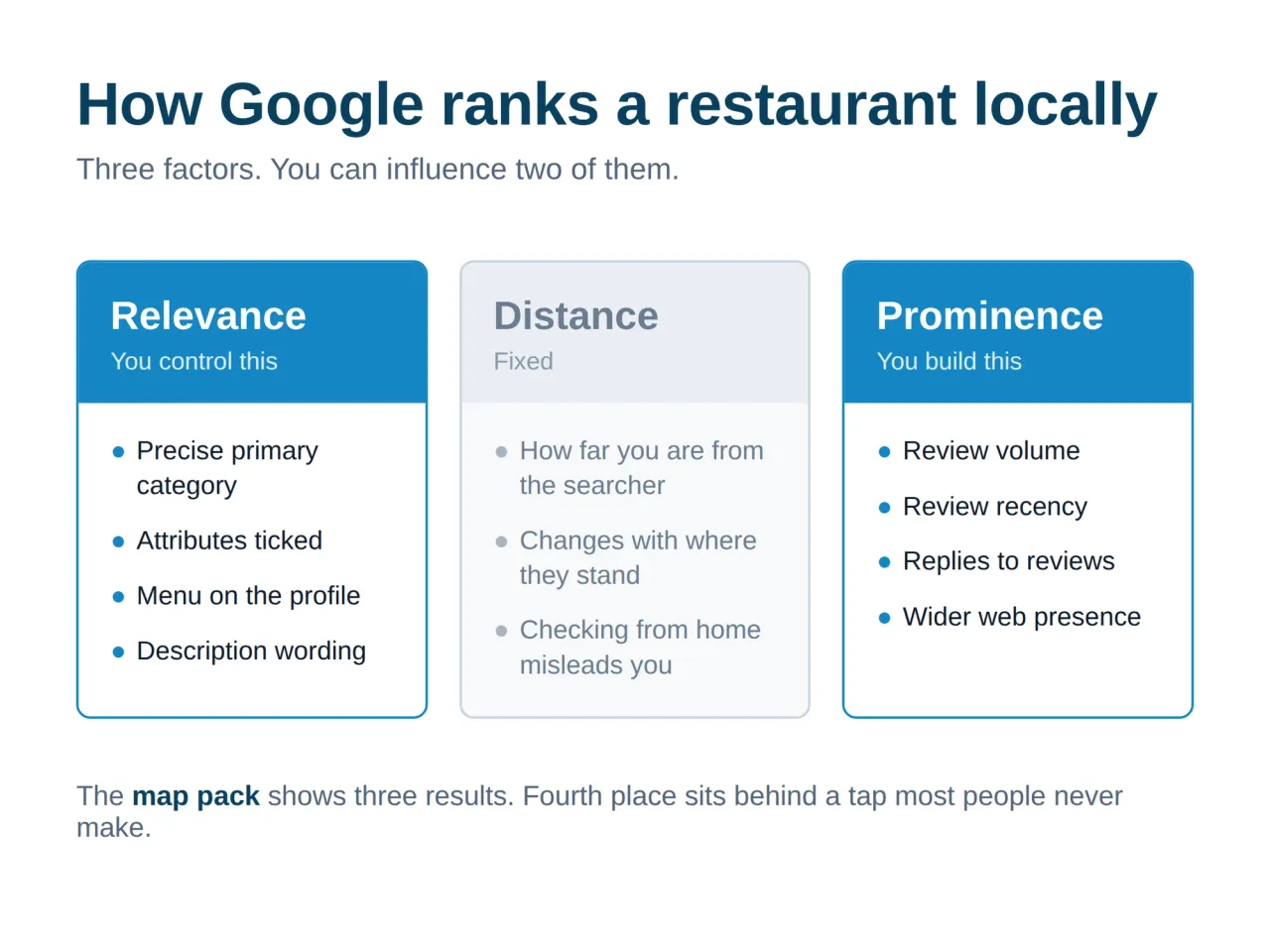
Google documents three factors: relevance, distance and prominence. You cannot move a building, so two of the three are where your effort goes.
Relevance
How well your profile matches what was typed. This is category selection, the attributes you tick, your menu, and the words in your description. A venue whose primary category is "Restaurant" competes with everything; one set to "Lebanese restaurant" wins the search that actually converts.
Distance
How far you are from the searcher or the area they named. Not controllable, but worth understanding: it is why your ranking looks different from your own dining room than from an office district a kilometre away, and why checking your position from home is misleading.
Prominence
How well known and well regarded you are, which is where reviews, review volume, recency and your wider web presence feed in. This is the factor you build slowly and cannot buy.
What should a restaurant fill in?
Work through this in one sitting and you will already be ahead of most of your street:
- Primary category, precisely. Pick the most specific one that fits, then add secondary categories for what else you do (bar, cafe, delivery).
- Every hour, including holidays. Wrong hours generate one-star reviews from people who arrived at a locked door. Set special hours for Eid and Ramadan before they arrive, not during.
- Photos, and keep adding them. Food, room, exterior at night so people recognise the frontage. Restaurants get more profile views than any other category, and photos are what those views are looking at.
- The menu, on the profile itself. Not only a PDF link. Google reads it and it feeds relevance.
- Attributes that answer objections. Outdoor seating, halal, vegetarian options, wheelchair access, reservations. Each one is a filter someone is using right now.
- The ordering and reservation links. Covered below, because this is the one people get wrong.
Where should the "Order online" link point?
Google lets you set an ordering link on the profile. By default it often ends up pointing at whichever aggregator claimed it first, which means Google hands you a customer, for free, and you pay 25% commission on them anyway.
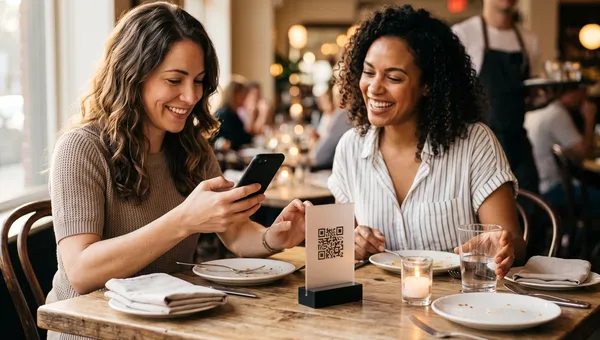
Point it at your own ordering page instead. This is discovery you already earned, and there is no reason to rent it back. We covered the wider trade-off in direct ordering versus third-party delivery apps, and a channel you own is exactly what restaurant order management is for. The same logic applies to the table: a QR ordering flow turns a guest who found you on Maps into a guest whose next order skips the middleman entirely.
We moved one client's Google ordering link off an aggregator and onto their own page on a Tuesday afternoon. It took four minutes. Over the next quarter it was worth more than the paid campaign we had been arguing about for a month, because the traffic was already there and we had simply been giving it away.
How do you get more Google reviews for a restaurant?
Slowly, consistently, and within the rules. Google prohibits incentivised reviews, so no free dessert in exchange for five stars. What is allowed is asking, and most restaurants simply never do.
- Ask at the right moment. When the guest says the food was great, not when the bill lands. A QR code on the receipt or table card removes the friction of finding you.
- Make it one tap. Use the short review link from your profile. Anything that requires searching loses most people.
- Reply to everything, especially the bad ones. A calm, specific reply to a one-star review is read by every future guest who scrolls past it, and it is the cheapest reputation work available.
- Aim for steady, not spiky. Twenty reviews in a day after eleven quiet months looks exactly like what it is. A handful every week compounds and looks natural.
Recency matters as much as the average. A 4.7 built entirely in 2023 reads as a restaurant that used to be good. Pair the review habit with a restaurant loyalty programme and the same guests who come back are the ones most willing to vouch for you.
How do you know if any of it is working?
The profile has its own performance tab: searches that surfaced you, how many were discovery rather than people typing your name, calls, direction requests, and clicks to your site or ordering link. Discovery searches are the number that matters, because those are strangers, and strangers are growth.
Tie it to what happened next. If direction requests climb but covers do not, the profile is working and something after it is not. Your restaurant reporting should be able to answer whether those clicks became orders, and the rest of your local marketing should be pointed at whatever the data says is actually converting.
Frequently Asked Questions
Does a Google Business Profile cost anything?
No. Creating, verifying and maintaining the profile is free, including photos, menu, posts and replying to reviews. The only paid layer is advertising, which is separate and optional. For most independent restaurants the free profile outperforms the ad spend they were considering.
How do I get more Google reviews for my restaurant?
Ask in person at the moment a guest says they enjoyed it, and make it one tap with the short review link on a table card or receipt. Reply to every review you receive. Never offer anything in exchange, since incentivised reviews break Google's policies and can get your reviews removed.
How do I rank higher on Google Maps for my restaurant?
Get the category and attributes exactly right, keep hours and photos current, and build review volume and recency steadily. Relevance and prominence are the two ranking factors you can influence. Distance is fixed, which is why results differ depending on where the searcher is standing.
Should I respond to negative reviews?
Yes, and quickly. Answer the specific complaint, avoid arguing, and say what changed. The reply is not really for the reviewer, it is for the hundreds of prospective guests who will read it later and decide what kind of operator you are.
Can I have more than one profile for the same restaurant?
Only one per physical location. Duplicates split your reviews and can get suspended. A second branch gets its own profile, and a cloud kitchen with no walk-in access generally does not qualify for a storefront listing at all.
Turn found into ordered
Getting discovered is only half of it. Quickbuy gives you the ordering page your Google link should point at, QR ordering at the table, and reporting that tells you which channel actually paid. See Quickbuy pricing or talk to us about where your local traffic is leaking.