On this page
- What Is a Digital Menu Board?
- How Much Do Digital Menu Boards Cost? The Full Breakdown
- The Ongoing Costs Nobody Puts on the Quote
- Are Digital Menu Boards Worth It?
- The Cheap Alternative: QR Menus and E-Menus for Restaurants
- TV Board, Tablet, Kiosk, or QR: How to Choose
- Frequently Asked Questions
- One Menu, Every Screen and Every Phone
How much do digital menu boards cost? For most restaurants, plan on $500 to $2,500 per screen upfront, plus $10 to $40 per screen each month for software. A small two-screen setup usually lands between $1,500 and $4,000 before the first month of service, and a multi-lane drive-thru build can pass $15,000 once outdoor displays and installation are in.
Those ranges hide a lot of decisions: consumer TV or commercial display, free software or a paid platform, DIY mounting or a professional install. This guide breaks down every line item with real 2026 prices, covers the ongoing costs that rarely make it onto the quote, and shows when a QR menu or e-menu does the same job for close to nothing.
What Is a Digital Menu Board?
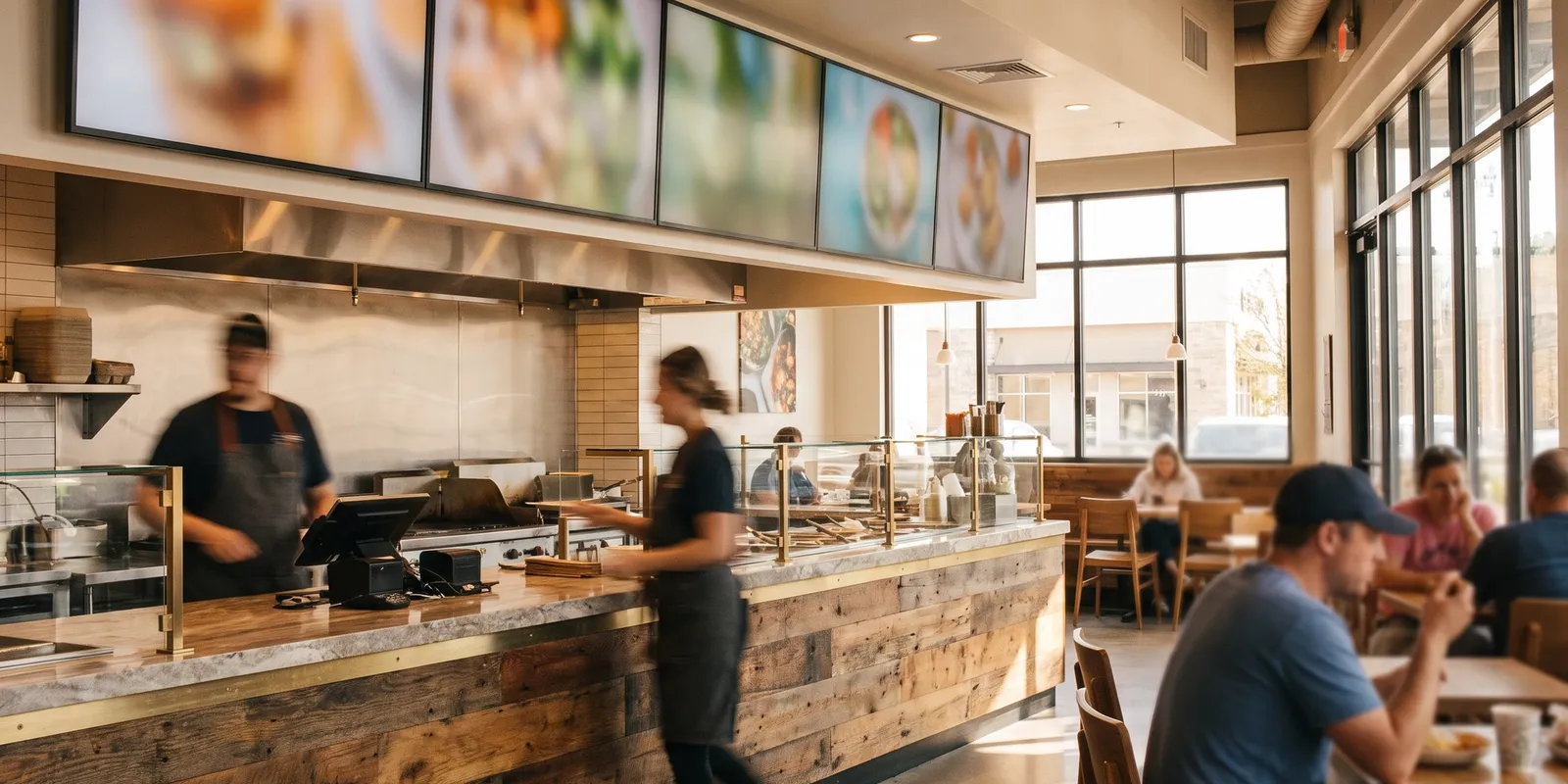
A digital menu board is a screen, usually a commercial display or a TV, that shows your menu, prices, and promotions instead of a printed board. Most setups pair the screen with a small media player and cloud software, so you can change a price or pull a sold-out item from a laptop and every screen updates in seconds.
That flexibility is the whole pitch. Printed boards cost money every time the menu changes; a digital menu board makes changes free once the hardware is paid for. The real question is how long that payback takes, so let's get into the numbers.
How Much Do Digital Menu Boards Cost? The Full Breakdown
Screens and Displays: $200 to $2,500 Each
The screen is where quotes vary the most, and where the consumer-versus-commercial decision matters:
- Consumer TV (43 to 55 inch): $200 to $500. Fine for a first board, but most warranties exclude commercial use, and panels built for 4 hours a day dim noticeably after a year of 12-hour shifts.
- Commercial display: $600 to $2,500. Brighter panels (700 nits and up), portrait orientation, 16 to 24 hour duty ratings, and warranties that stay valid in a restaurant.
- Outdoor drive-thru display: $3,000 to $8,000 per screen. Weatherproof enclosures and 2,500-nit panels that stay readable in direct sun.
Media Players: $0 to $450
The media player is the small computer that pushes content to the screen. Three routes:
- System-on-chip displays: $0 extra. Many commercial screens run signage software natively, no external player needed.
- Consumer streaming sticks: $30 to $60. They work, but they're built for evening TV, not 14-hour loops, and they crash at the worst times.
- Dedicated signage players: $150 to $450. The reliable middle ground most operators settle on.
Menu Board Software: $0 to $40 per Screen per Month
Free plans exist, usually capped at one screen with limited templates. Paid signage plans run $8 to $40 per screen per month, and enterprise platforms with support contracts go higher. Before adding another subscription, check whether your menu management software already publishes to screens and QR menus from the same database; platforms like Quickbuy do, and maintaining one menu instead of two is worth more than any template library.
Installation, Mounting, and Menu Design
- Professional mounting and cabling: $100 to $500 per screen indoors. Drive-thru structures with concrete work run into the thousands.
- Menu design: free with DIY templates, $150 to $500 per screen for a professional layout, more if you want motion graphics.
Design is worth taking seriously, because menu engineering works the same on a screen as on paper: eye flow, anchor items, and highlighted margins decide what guests order, not the fact that the board glows.
Put together, typical 2026 budgets look like this:
- One screen, DIY: $350 to $900 upfront, $0 to $15 per month.
- Two to three screens, commercial grade: $1,500 to $4,000 upfront, $30 to $80 per month.
- One drive-thru lane: $6,000 to $15,000 or more, installed.
The Ongoing Costs Nobody Puts on the Quote
The upfront price is only part of the story. Budget for these from day one:
- Power: a 55-inch commercial display running 14 hours a day uses roughly 50 to 75 kWh a month, which is a few dollars to $15 per screen depending on local rates.
- Content updates: DIY is free but eats manager time; agencies charge $50 to $200 a month for regular refreshes.
- Replacement: commercial panels last 5 to 7 years of heavy use, consumer TVs closer to 2 to 4. Amortize that into the real cost.
Are Digital Menu Boards Worth It?
For counter-service concepts, usually yes. Boards earn their keep where guests decide while standing in line: quick-service counters, coffee shops, food courts, and drive-thrus. Dayparting flips breakfast to lunch automatically, sold-out items disappear in seconds, and rotating a high-margin combo into the top slot is a ten-minute job instead of a reprint. Vendors claim average check lifts of 3 to 8%; treat those as directional and measure your own before-and-after.
For table service, the case is much weaker. A guest seated with a printed menu, or a contactless menu on their phone, never looks at a screen above the counter. If most of your orders happen at the table, screens are decor, not sales tools.
A quick payback test: say a $2,500 two-screen setup plus $40 a month replaces $150 a month in printing and nudges average check up 2% on $40,000 in monthly sales. That's roughly $900 a month in gained margin and avoided cost, so the hardware pays for itself in about three months. Run the same math with your own print spend and traffic before signing anything.
The Cheap Alternative: QR Menus and E-Menus for Restaurants
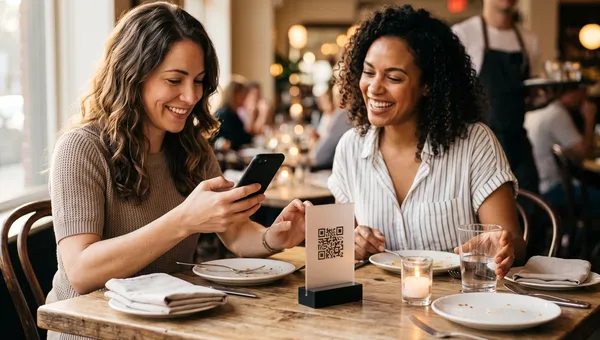
Here's the part signage vendors skip: if the goal is a menu that updates instantly and never needs reprinting, you may not need wall screens at all. An electronic menu that guests open by scanning a code costs about as much as printing the table cards the code sits on, which is close to zero.
A QR menu with scan-to-order goes further than any board: guests browse photos, order, and pay from their seat, and the menu you edit is the same database the kitchen works from. There's no screen to buy, no player to reboot, and no per-screen license.
The honest comparison: above the counter of a walk-up concept, a board still wins, because guests decide before they reach the register. For dine-in, an e-menu for restaurants beats a $2,500 screen on cost and does something no wall display ever will: it takes the order. Setup runs under an hour; our guide to QR code menus for restaurants walks through it step by step.
TV Board, Tablet, Kiosk, or QR: How to Choose
- Walk-up counter or drive-thru: digital menu boards, sized and mounted commercially. This is where the spend pays back.
- Dine-in table service: QR menus win on cost and speed. Add self-ordering kiosks only where queues, not tables, are the bottleneck.
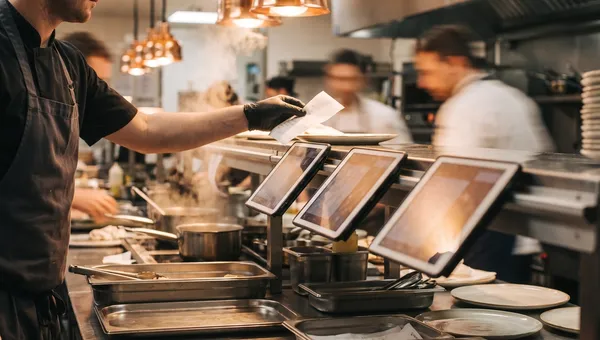
- Back of house: a menu board is not a kitchen display system. The KDS replaces printed tickets on the line; it's a separate purchase solving a separate problem.
- Hybrid: one board at the counter plus QR at the tables, both fed by the same menu database, covers most fast-casual formats.
Frequently Asked Questions
Are digital menu boards worth it?
For counter-service and drive-thru restaurants, usually yes: dayparting, instant price changes, and promo rotation typically recover the cost within a few months. For table-service dining rooms, a QR menu delivers the same flexibility for a fraction of the price, so screens rarely justify themselves there.
What hardware do I need for a digital menu board?
At minimum: a screen, a media player (unless the display has one built in), a mount, and a reliable wifi or ethernet connection. Go commercial-grade if screens will run more than 12 hours a day; the panels are brighter and the warranty actually covers restaurant use.
Can I use a regular TV as a digital menu board?
Yes, and many small restaurants start exactly that way for $200 to $500. Know the trade-offs: consumer panels are dimmer, most warranties exclude commercial use, and a TV running 12-plus hours a day often needs replacing within 2 to 4 years.
How much does digital menu board software cost per month?
Free single-screen plans exist with limited templates. Paid plans run $8 to $40 per screen per month, and per-screen pricing multiplies fast across locations. If your restaurant platform already includes a digital menu, you may not need a separate signage subscription at all.
What is the cheapest way to get a digital menu?
A QR code menu: no screen, no media player, no installation. Guests scan a printed code and the menu opens on their phone. For dine-in restaurants it's not only the cheapest option, it's also the only one that can take the order and the payment.
One Menu, Every Screen and Every Phone
Quickbuy is built around a single menu database: edit an item once and the change lands on your QR menus and your POS together, with no per-screen fees. If you're pricing out menu boards this quarter, compare the numbers against a platform that already includes the digital menu, ordering, and payments in one subscription. See what it costs on our pricing page, and put your menu on a QR code the same afternoon.