On this page
- What Is a QR Menu for Restaurants?
- Why QR Menus Are Becoming Essential for Restaurants
- 1. Faster Ordering Experience
- 2. Contactless Dining
- 3. Real-Time Menu Updates
- 4. Higher Average Order Value
- 5. Data and Analytics
- What Is an Online Ordering System?
- Benefits of Online Ordering for Restaurants
- Increased Revenue
- Reduced Order Errors
- Integration With Delivery Platforms
- How Quickbuy Simplifies QR Menu and Online Ordering
- Step-by-Step: Implementing a QR Menu in Your Restaurant
- Best Practices for QR Menu Success
- The Future of Restaurant Ordering
- Conclusion
The restaurant industry has rapidly evolved over the past few years. Customers now expect fast, convenient, and contactless ways to order food, whether they are dining inside the restaurant, ordering takeaway, or requesting delivery.
One of the most powerful technologies enabling this transformation is the QR menu combined with an online ordering system.
Restaurants around the world are adopting QR code menus because they reduce operational friction, improve customer experience, and increase order value. At the same time, modern restaurant software platforms such as Quickbuy let businesses run QR ordering, inventory tracking, and analytics in one unified system.
This guide explains how restaurant QR menus and online ordering systems work, why they are critical for modern restaurants, and how platforms like Quickbuy make implementation simple.
What Is a QR Menu for Restaurants?
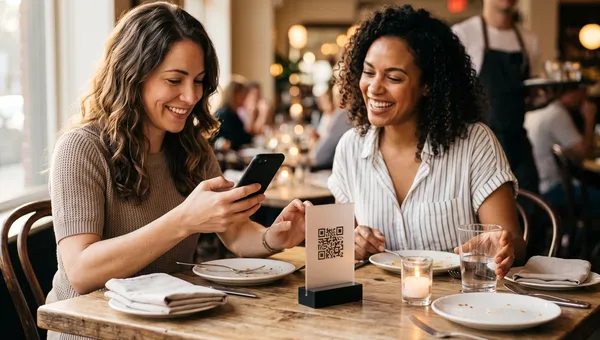
A QR menu is a digital restaurant menu that customers access by scanning a QR code with their smartphone. Instead of receiving a printed menu, customers scan the code and instantly view the menu on their device.
The QR code can be placed:
- On tables
- On the restaurant counter
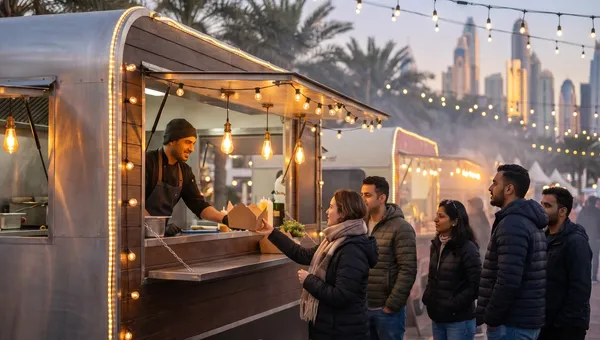
- On takeaway packaging
- On receipts
- On marketing materials
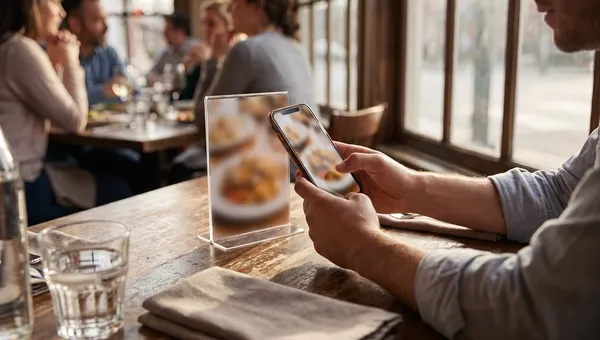
Once scanned, the QR code opens a digital menu interface where customers can browse items, customize orders, and sometimes place their order directly from their phone.
Modern restaurant systems like Quickbuy allow restaurants to generate unique QR codes for each table or for the entire menu, making the dining experience faster and more efficient.
Why QR Menus Are Becoming Essential for Restaurants
Restaurants that adopt QR menu technology experience several operational advantages.
1. Faster Ordering Experience
Customers no longer need to wait for a waiter to bring a menu or take their order. They simply scan the QR code and browse the menu immediately.
This reduces wait times and improves table turnover.
2. Contactless Dining
Contactless experiences became extremely popular during the pandemic and continue to be preferred by many customers.
QR menus eliminate shared physical menus, creating a more hygienic dining environment.
3. Real-Time Menu Updates
Printed menus are expensive to update. If prices change or items become unavailable, restaurants often need to reprint menus.
With digital menus, restaurants can update:
- Prices
- Availability
- Promotions
- Seasonal items
In systems like Quickbuy, menu changes reach your QR menus and takeaway online ordering instantly.
4. Higher Average Order Value
Digital menus allow restaurants to highlight:
- Popular dishes
- Add-ons
- Combo meals
- Upsells
This increases the average order value because customers are more likely to explore additional items when browsing digitally.
5. Data and Analytics
Traditional menus provide no data.
Digital QR menus allow restaurant owners to track:
- Most viewed menu items
- Most ordered dishes
- Peak ordering times
- Customer preferences
Platforms like Quickbuy provide analytics dashboards that help restaurants optimize their menus based on real customer behavior.
What Is an Online Ordering System?
An online ordering system for restaurants allows customers to place orders digitally through a website, mobile device, or QR menu.
Online ordering can support:
- Dine-in orders
- Takeaway orders
- Delivery orders
Instead of relying entirely on third-party delivery platforms, restaurants can accept orders directly through their own system, increasing profit margins and customer control.
Benefits of Online Ordering for Restaurants
Restaurants that implement online ordering systems see measurable operational improvements.
Increased Revenue
Online ordering allows restaurants to accept orders even when the restaurant is full.
Customers can place orders:
- Before arriving
- For pickup
- For delivery
- From social media links
This expands the restaurant's revenue channels.
Reduced Order Errors
When customers place orders themselves digitally, there is less chance of communication errors.
Orders go directly into the kitchen system, improving accuracy.
Integration With Delivery Platforms
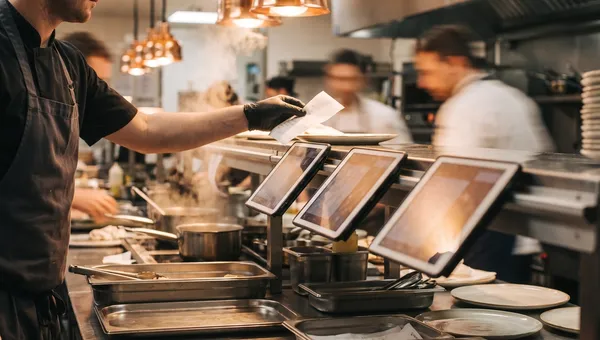
Many restaurants use platforms like Deliveroo or Uber Eats. However, managing multiple tablets can become chaotic.
Quickbuy doesn't take delivery-app orders today, so those stay on their own tablets.
This means restaurants can manage:
- QR orders
- Online website orders
- Delivery platform orders
from a single interface.
How Quickbuy Simplifies QR Menu and Online Ordering
Many restaurants struggle because they use multiple disconnected software systems.
For example:
- One system for POS
- Another for delivery platforms
- Another for inventory
- Another for staff management
This fragmentation creates operational complexity.
Quickbuy solves this by offering an all-in-one restaurant management platform where QR menus and online ordering are built directly into the system.
Quickbuy provides restaurants with:
- Native QR menu generation
- Online ordering pages
- Takeaway ordering by QR
- Real-time inventory tracking
- Sales analytics
- Employee management tools
Because all these systems are connected, restaurant owners can manage their entire operation from a single dashboard.
Step-by-Step: Implementing a QR Menu in Your Restaurant
Implementing a QR menu is much easier than many restaurant owners expect.
Step 1: Create Your Digital Menu
Upload your restaurant menu items, descriptions, prices, and images into your restaurant software.
With Quickbuy, menus can also include:
- Variants
- Add-ons
- Ingredient customization
- Combo options
Step 2: Generate QR Codes
The software automatically generates QR codes that link to your digital menu.
You can create:
- Table-specific QR codes
- General QR menus
- Pickup ordering QR codes
Step 3: Print and Place QR Codes
QR codes can be printed on:
- Table cards
- Stickers
- Table tents
- Counter displays
Step 4: Enable Online Ordering
Once the digital menu is live, customers can browse and place orders directly through their phone.
Orders appear instantly inside the Quickbuy dashboard.
Step 5: Monitor Analytics
Restaurant owners can monitor:
- Sales performance
- Menu popularity
- Order trends
- Customer behavior
These insights help improve menu strategy and pricing.
Best Practices for QR Menu Success
Restaurants should follow several best practices when implementing QR menus.
Use High-Quality Food Images
Photos increase conversion rates and encourage customers to order more items.
Highlight Popular Items
Most customers look for recommendations. Featuring “Most Popular” items helps guide decisions.
Keep Menu Navigation Simple
Avoid overwhelming customers with too many categories or confusing layouts.
Optimize for Mobile Devices
Since customers access QR menus through smartphones, the interface must be mobile-friendly.
Platforms like Quickbuy are designed specifically for mobile ordering experiences.
The Future of Restaurant Ordering
Digital ordering will continue to evolve rapidly.
Industry trends suggest that restaurants will increasingly rely on:
- QR ordering
- Self-service kiosks
- AI-powered recommendations
- Integrated delivery ecosystems
Restaurants that adopt these technologies early will gain a competitive advantage.
By implementing a unified platform like Quickbuy, restaurants can future-proof their operations while delivering a modern dining experience.
Conclusion
QR menus and online ordering systems have transformed how restaurants operate.
They improve efficiency, reduce operational errors, increase average order value, and create a better experience for customers.
However, the real advantage comes when these systems are integrated into a single platform.
Quickbuy’s built-in QR menu and online ordering modules allow restaurants to streamline operations, increase revenue, and manage their entire business from one centralized dashboard.
For restaurants looking to modernize their operations in 2026 and beyond, adopting digital ordering systems is no longer optional - it is essential.